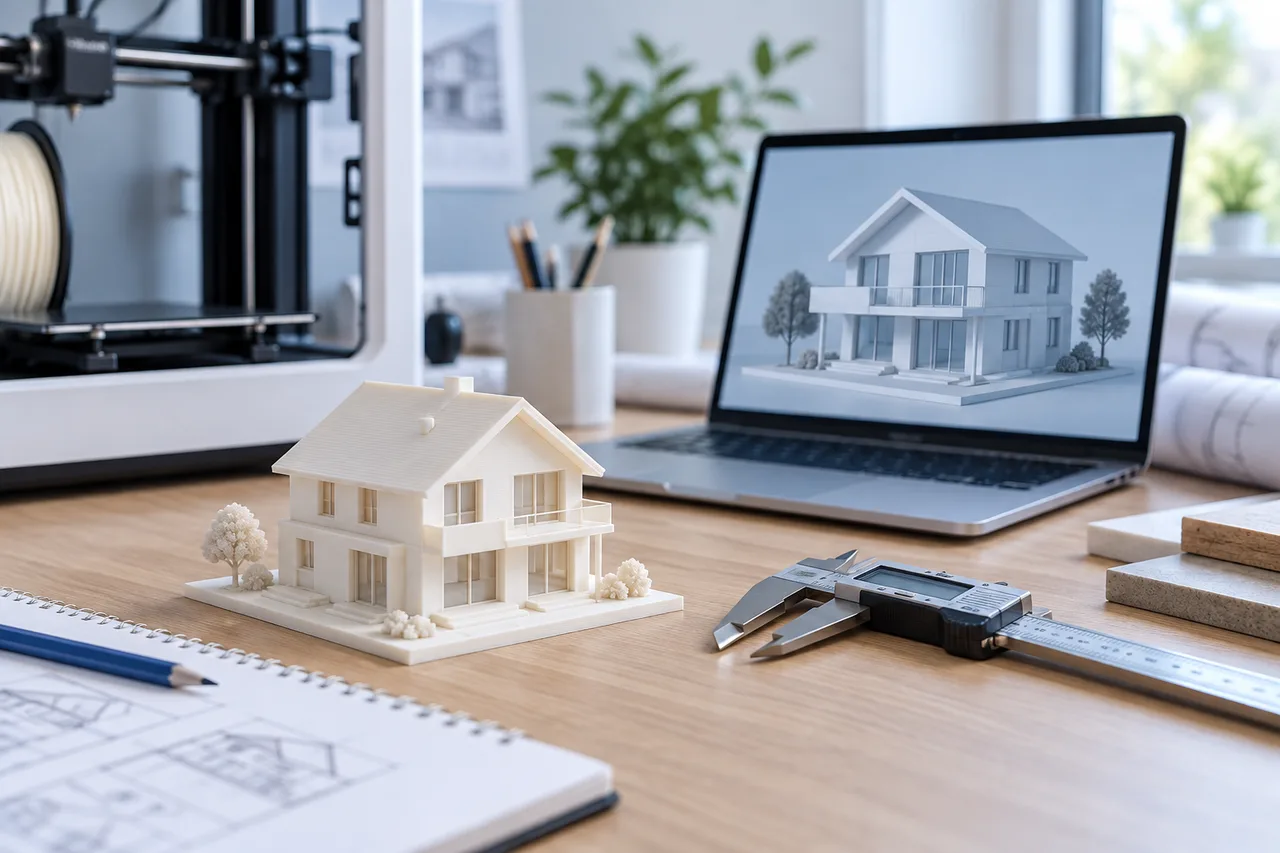
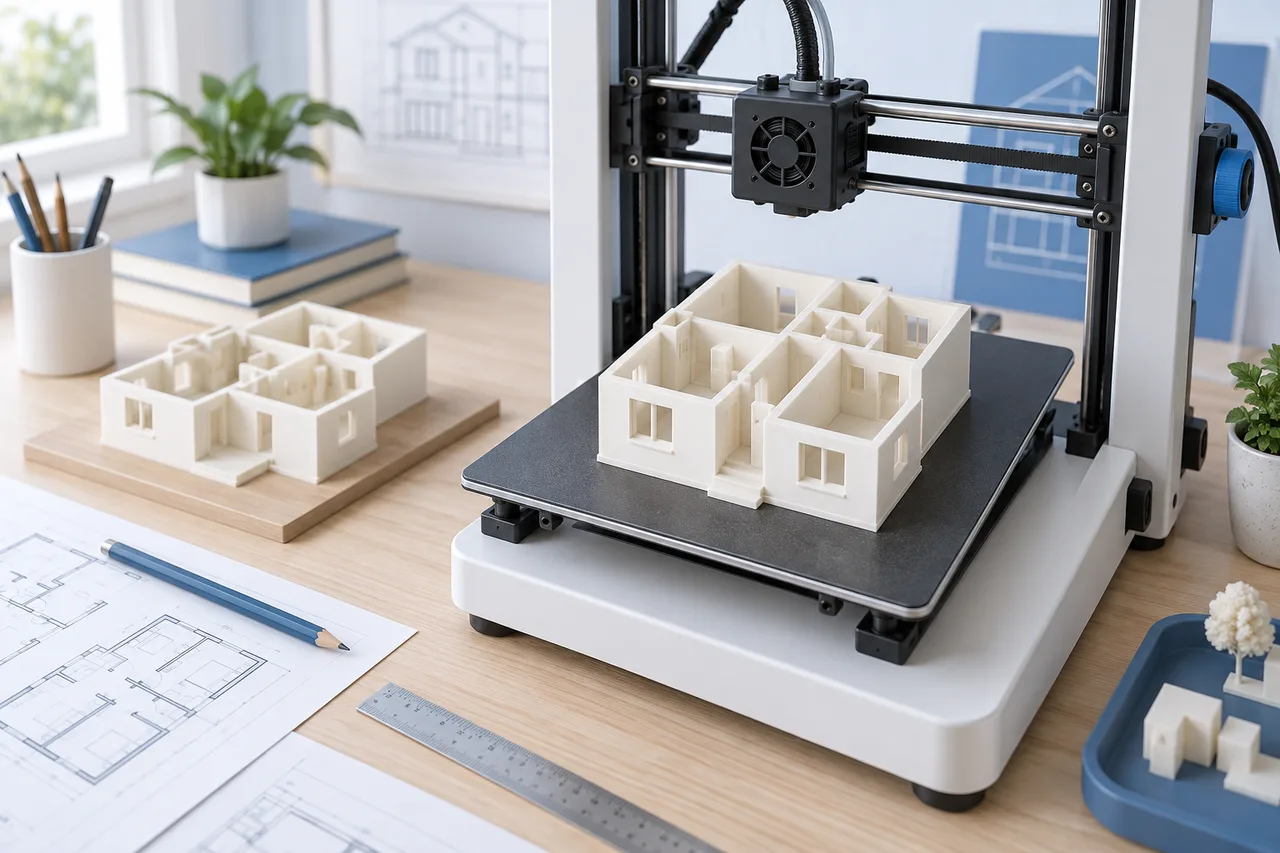
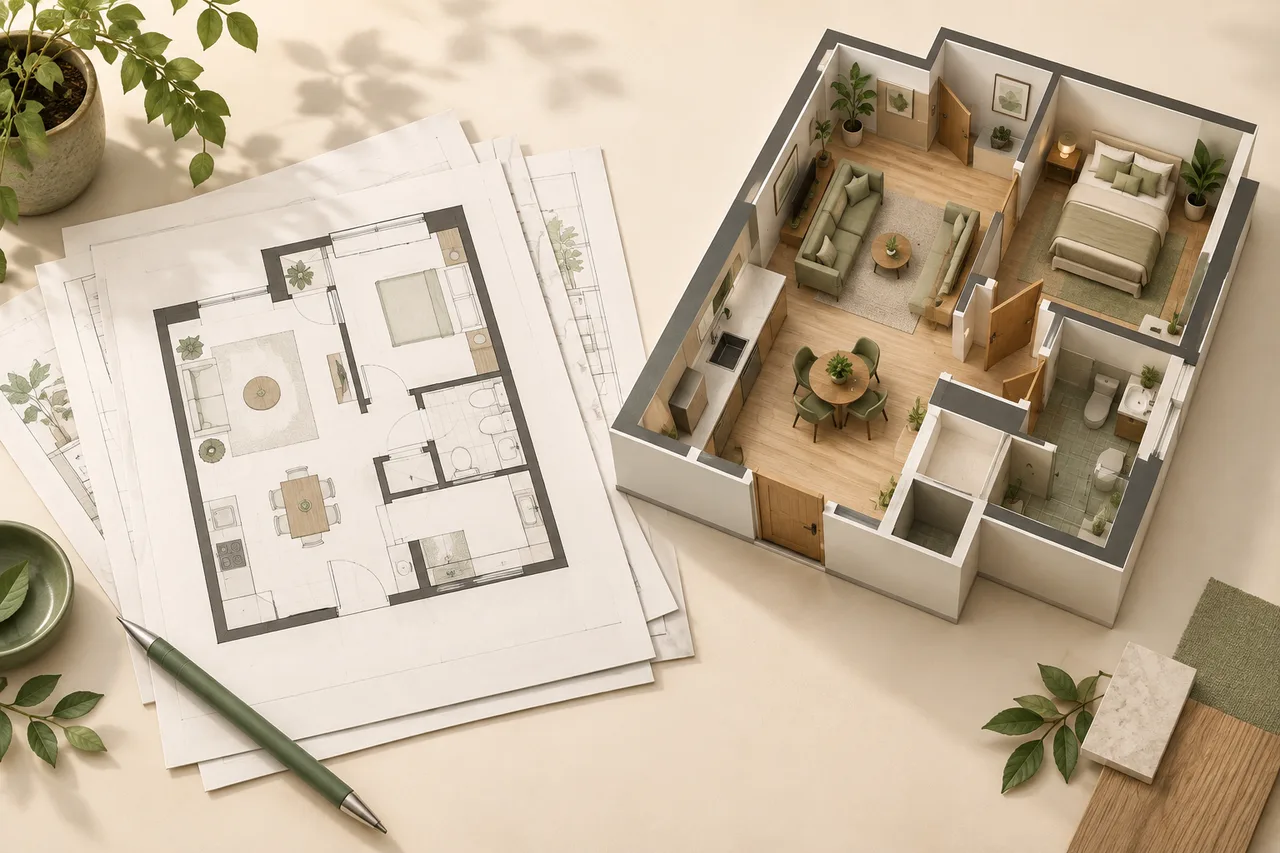
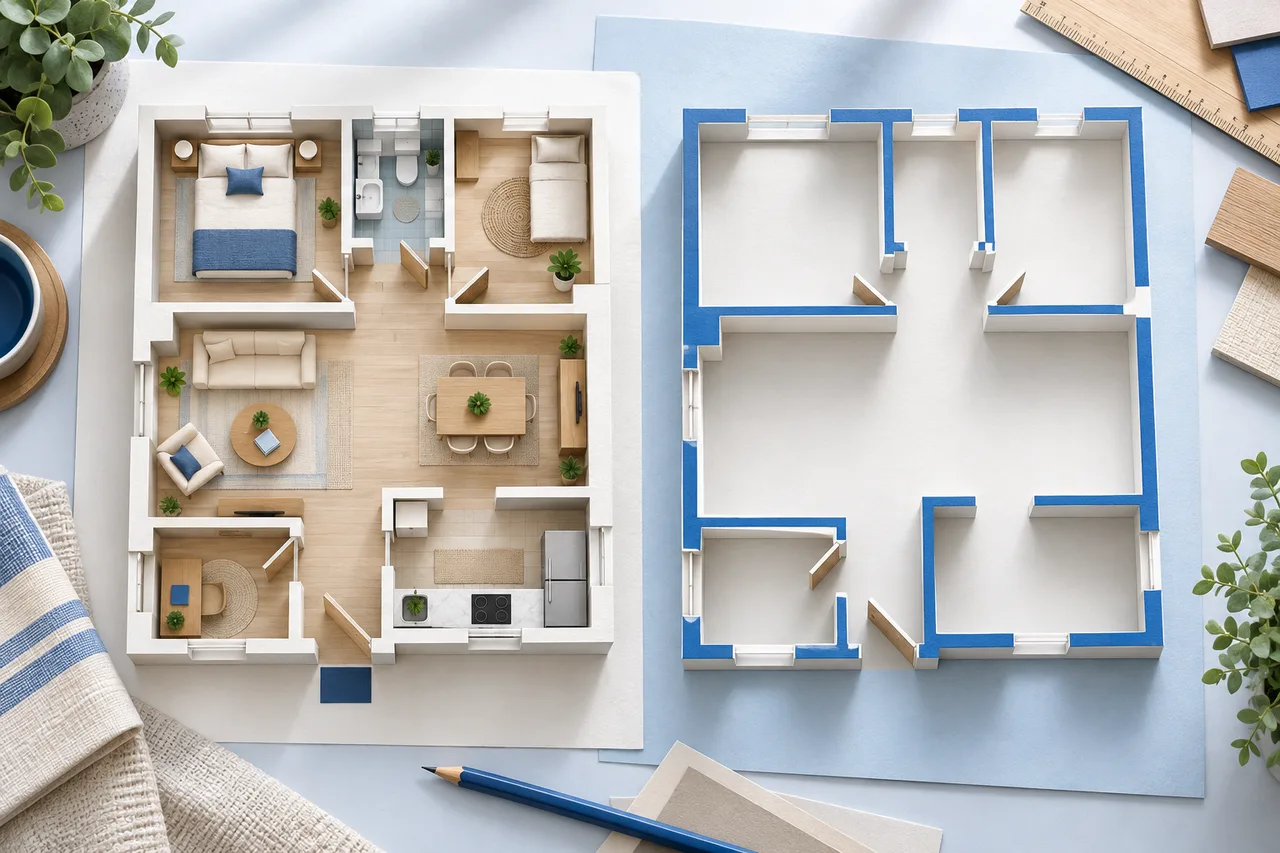
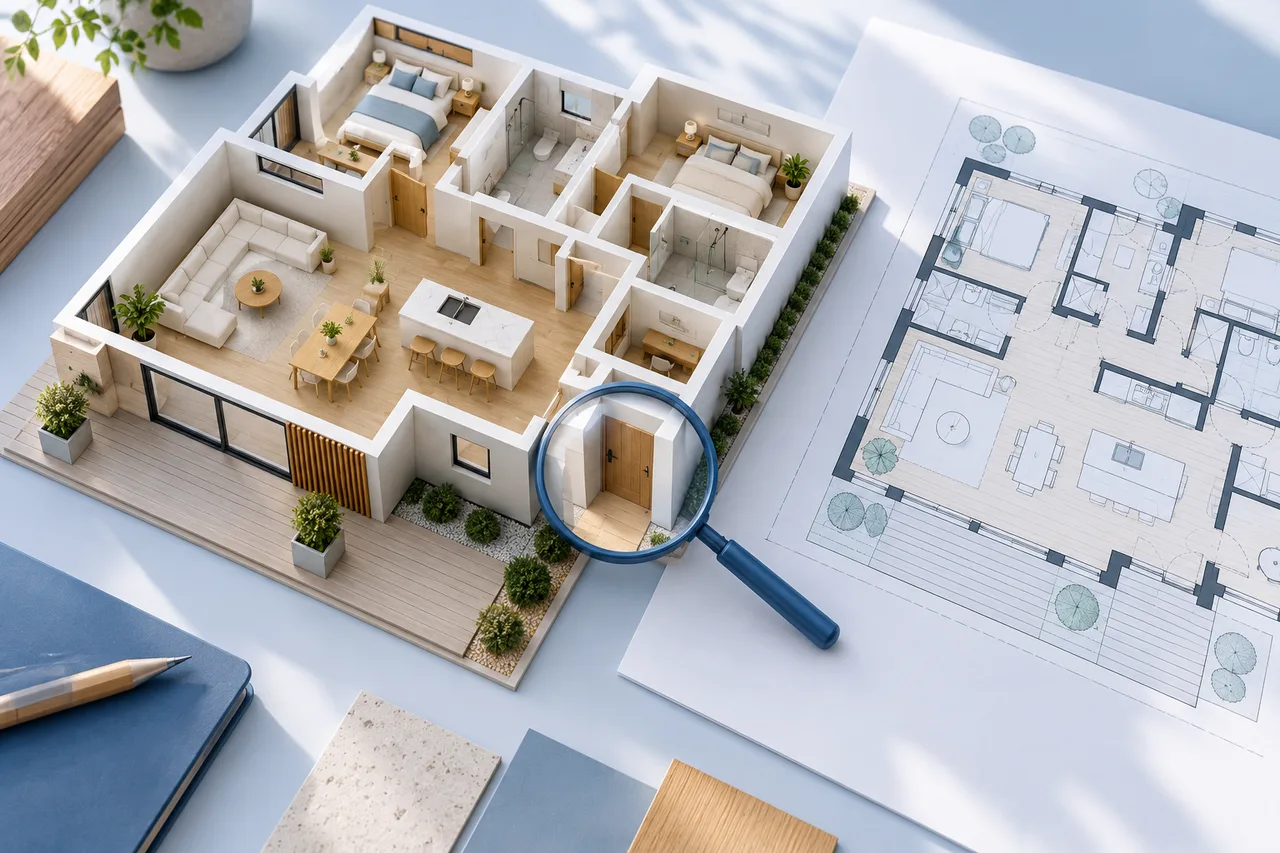
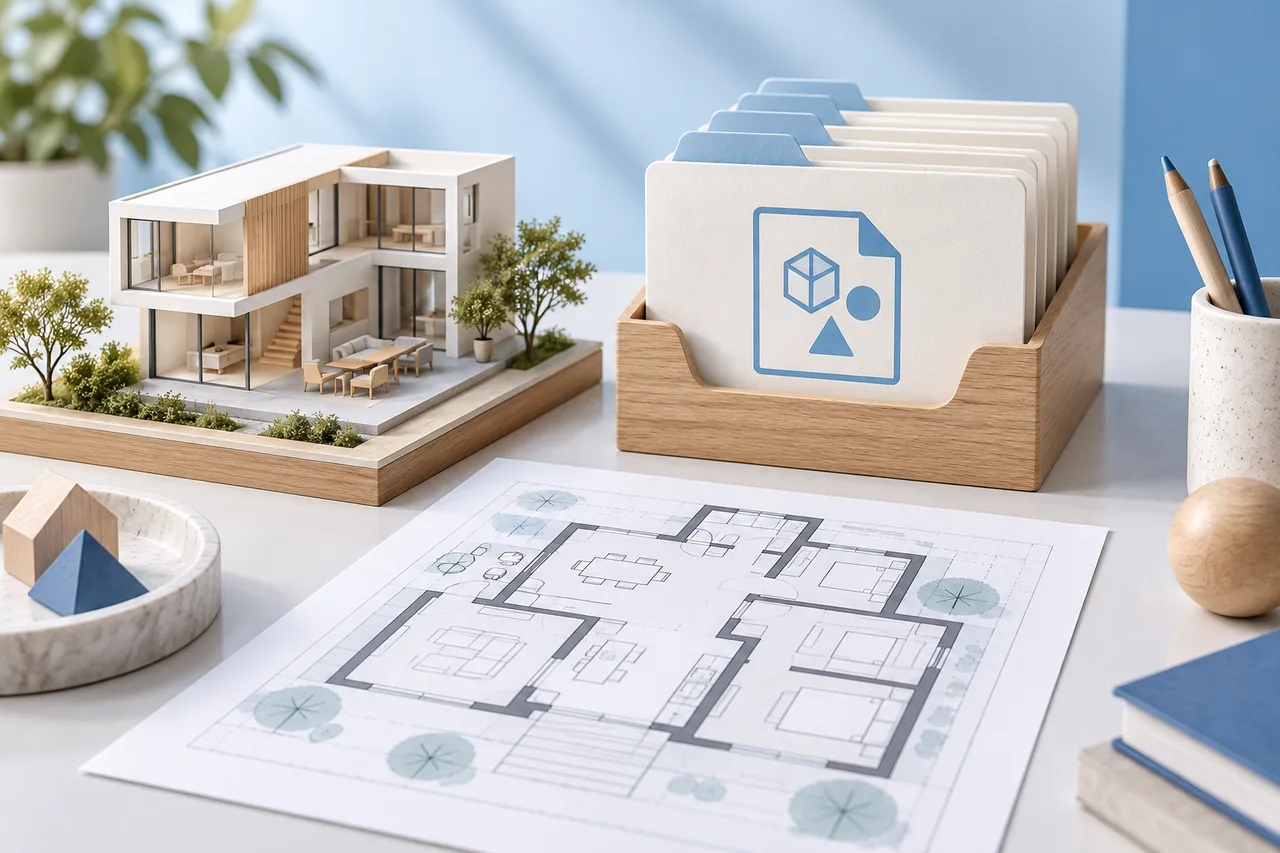
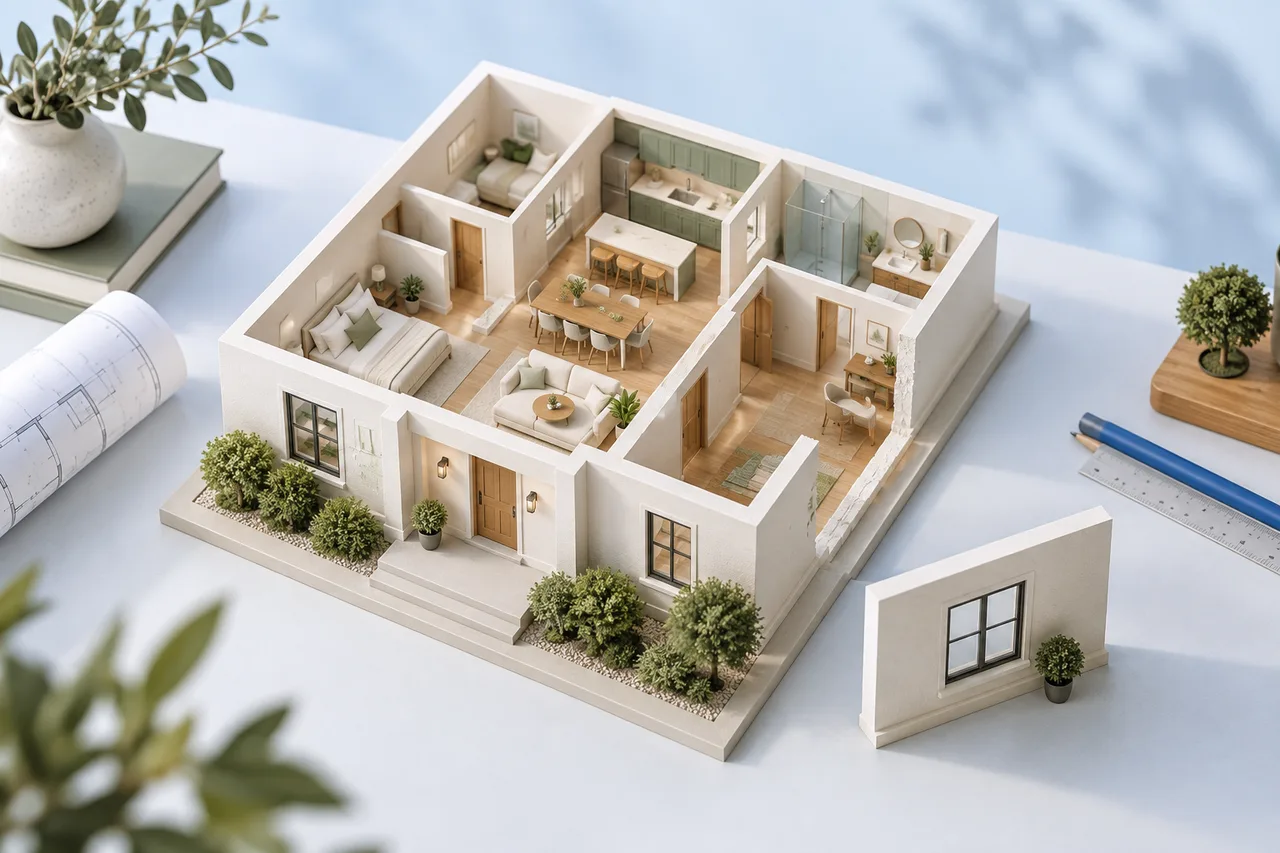
A small house model can help people discuss the arrangement of rooms without relying only on a flat drawing. Printing one successfully requires two separate…
SVG is a vector image format. A floor-plan SVG stores shapes and text rather than only a grid of coloured pixels, which makes it useful when a drawing needs…
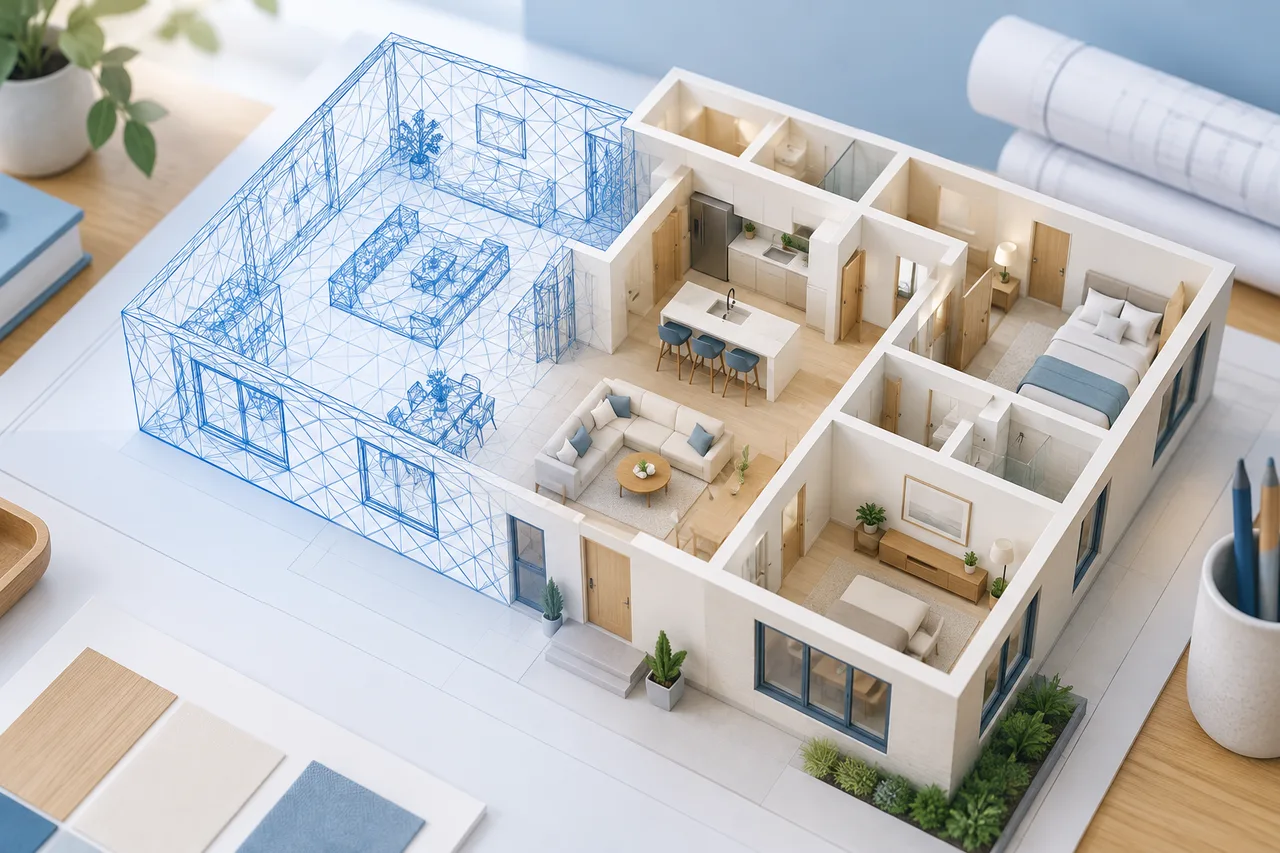
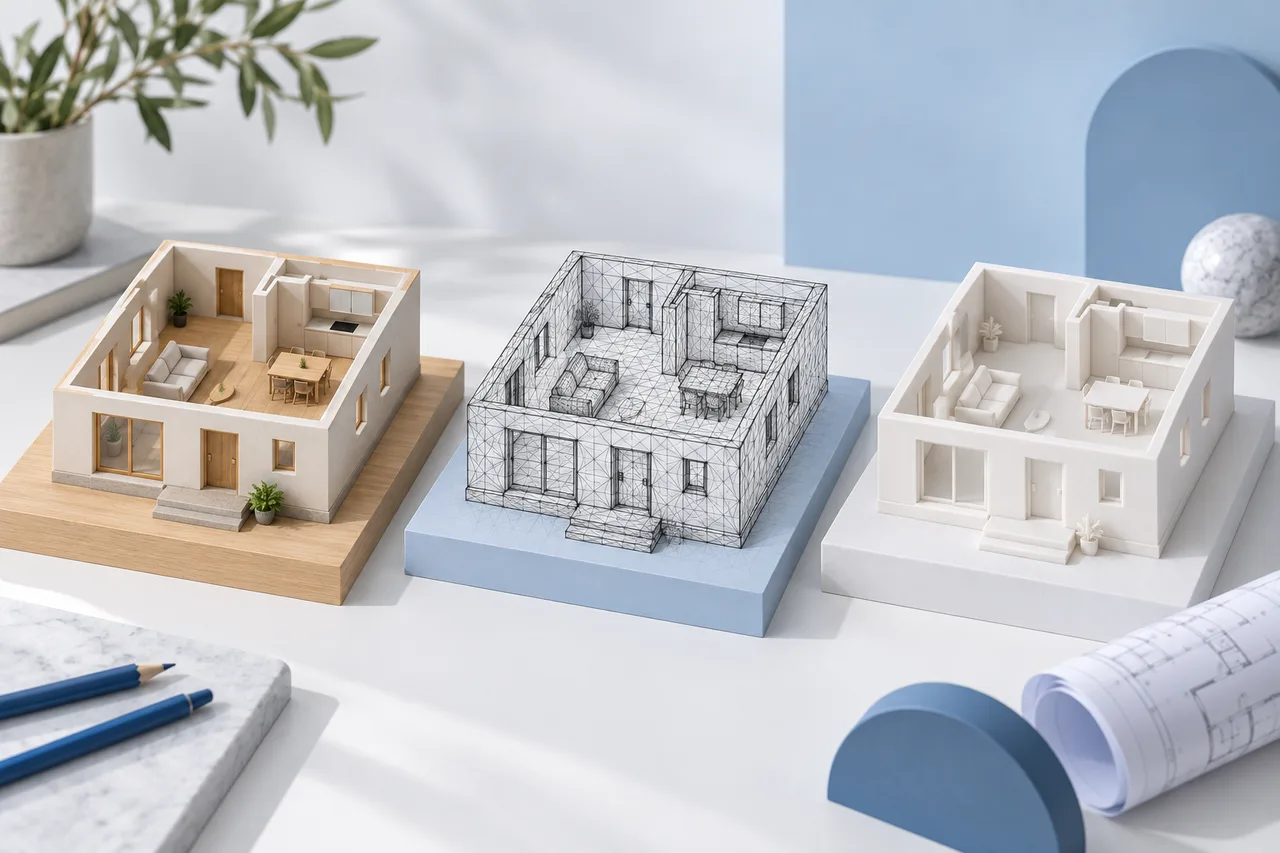
A beautiful picture of a room and an editable model of its walls answer different questions. Rendering creates an image from a scene; modelling creates or…
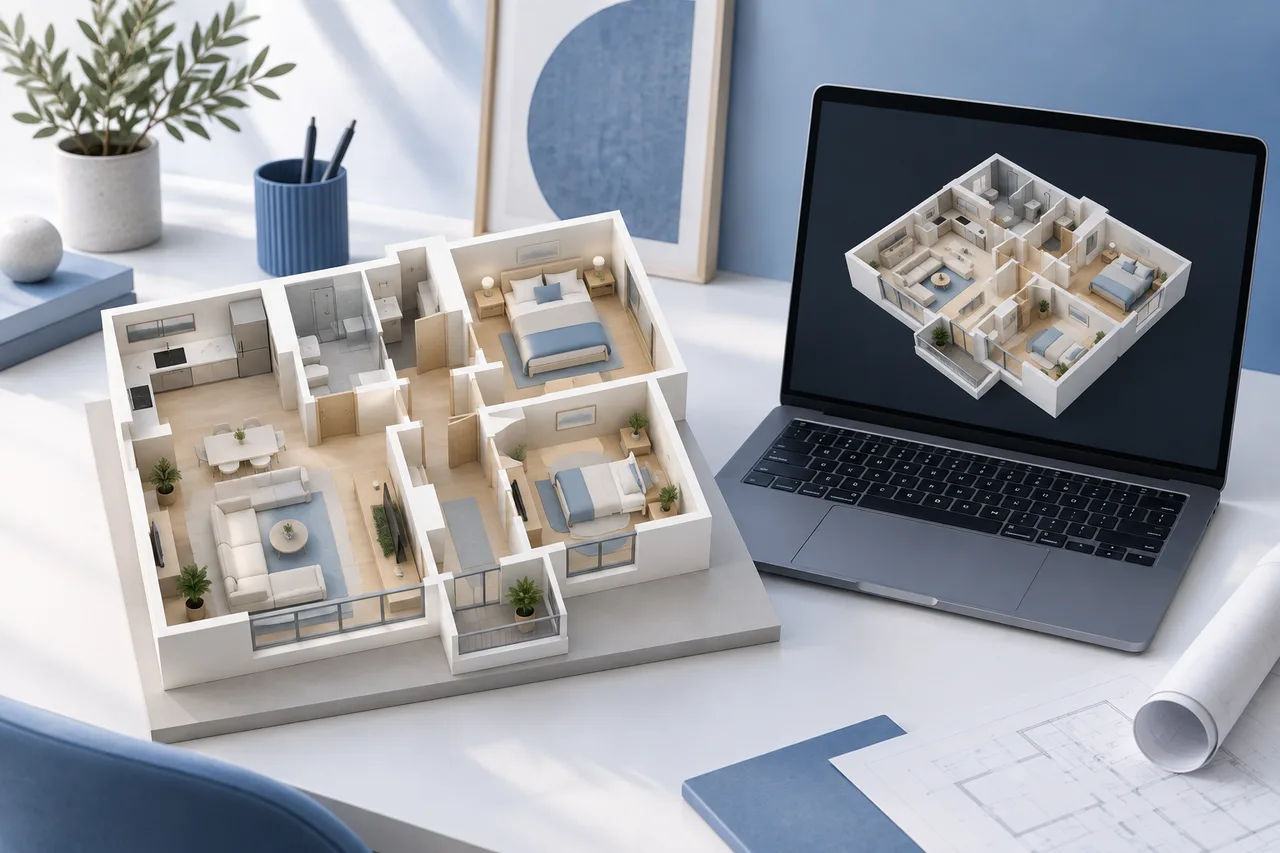
A 3D wall model helps you understand how rooms connect, spot awkward corners, and compare a drawing with the space you have in mind. The useful starting…
GLB is useful when you want to move a simple 3D wall model from the browser into another compatible viewer or modelling application. It keeps the model data…
OBJ can be a useful bridge between a floor-plan conversion and a mesh editing application. It gives you geometry to inspect and revise, but it does not…
A floor-plan-to-STL workflow turns a drawing into mesh surfaces that a slicing application can inspect. The difficult part is not the file extension. It is…
Choosing a 3D export format is easier when you begin with the next task. A person reviewing a model on screen, a designer importing meshes, and a printer…
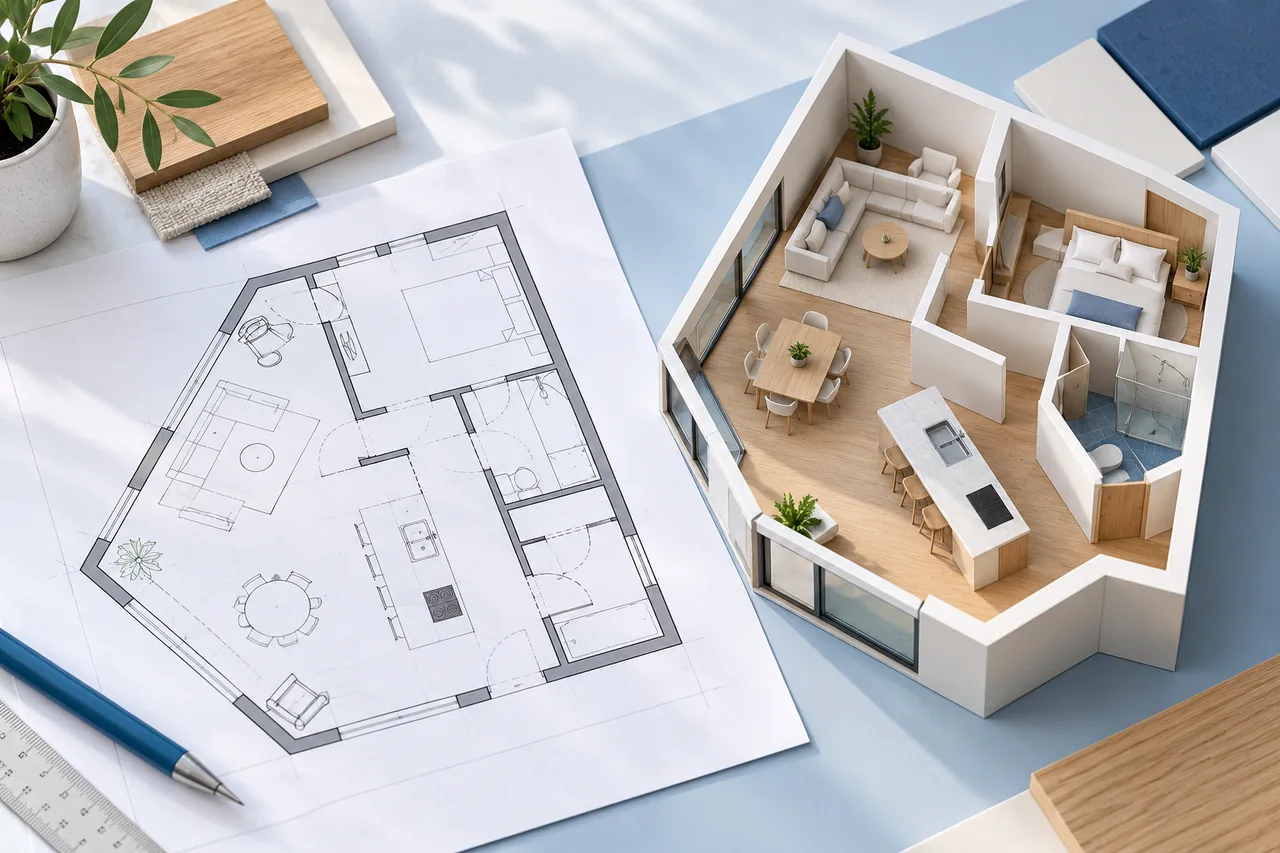
An irregular floor plan needs more care than a rectangle because one overall width and depth cannot describe every corner. Angled walls, recesses, and…
For a clean digital line drawing, PNG is usually a useful export choice because it preserves hard edges without JPEG's lossy compression. JPG can still work…
A PDF floor plan is a useful source for a 3D preview, but the file extension does not tell you how much drawing information it contains. Some PDFs contain…
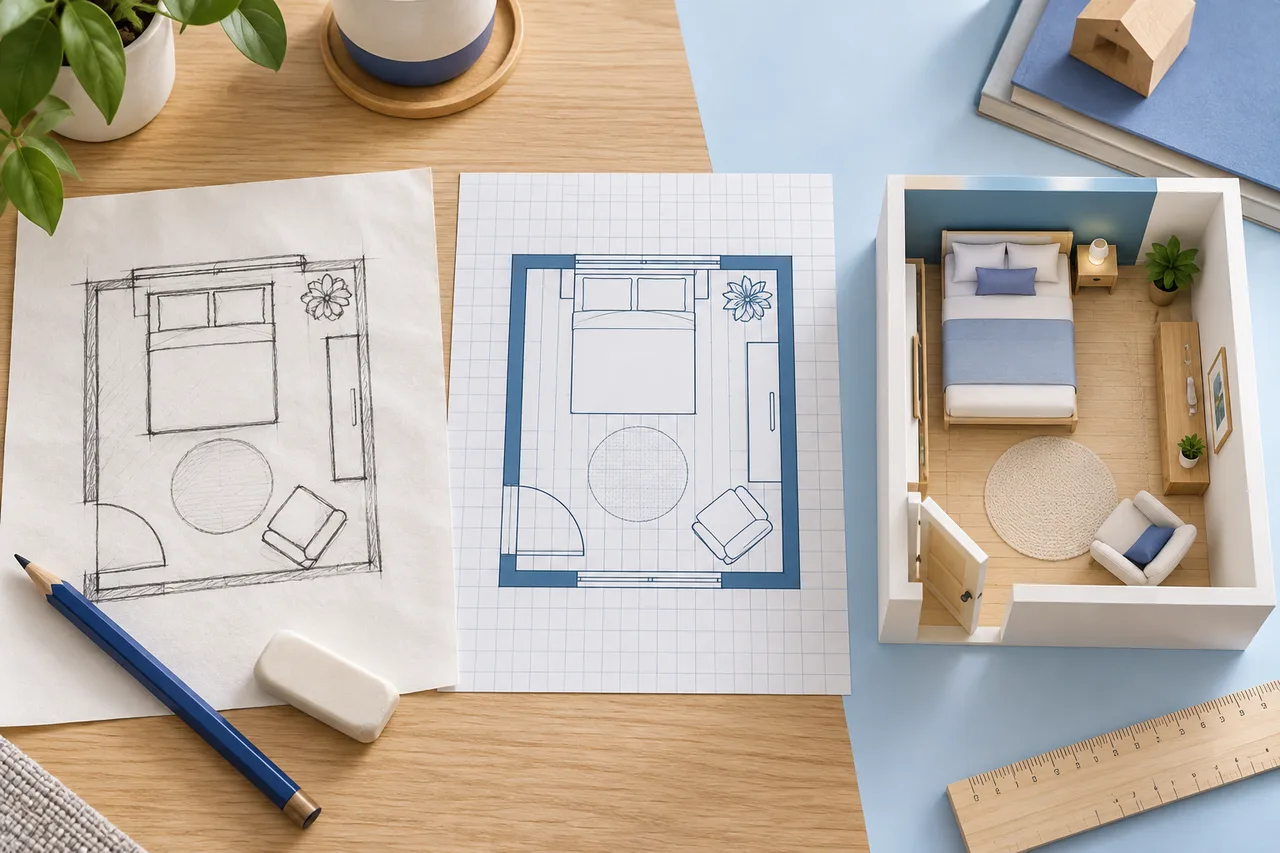
A hand-drawn sketch can be an effective starting point for a room plan when it records the right information. It does not need artistic shading. It needs…
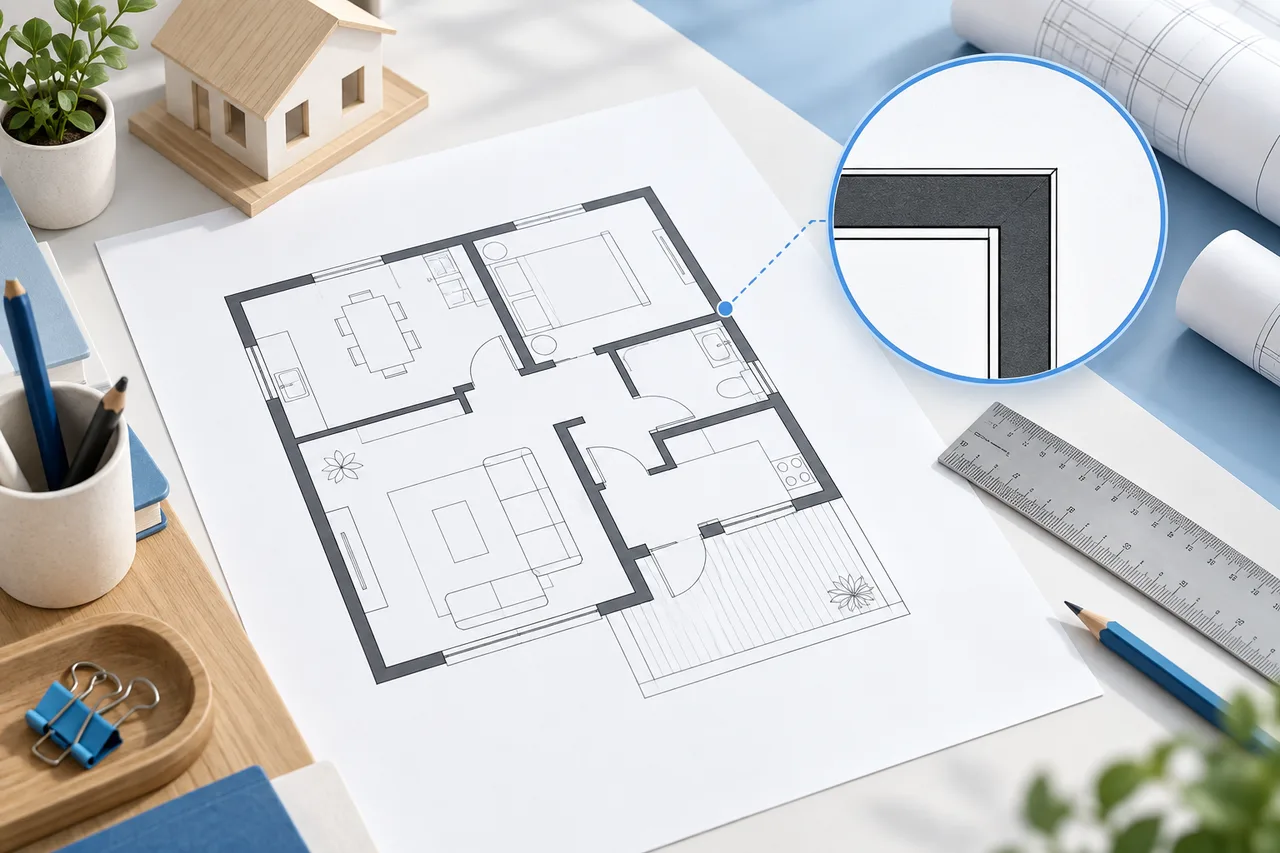
A clean upload gives a floor-plan converter fewer opportunities to confuse annotations with walls. Preparation is mostly about choosing the right drawing,…
Furniture symbols can help a person understand a room while making automatic wall extraction more ambiguous. A dark sofa outline, table edge, or patterned…
A generated wall model should be reviewed against its source before it is shared or used to compare design ideas. The shaded 3D view is useful, but the 2D…
A saved project file is the difference between keeping a picture of a plan and being able to continue editing its objects. In the drawing tools, project…
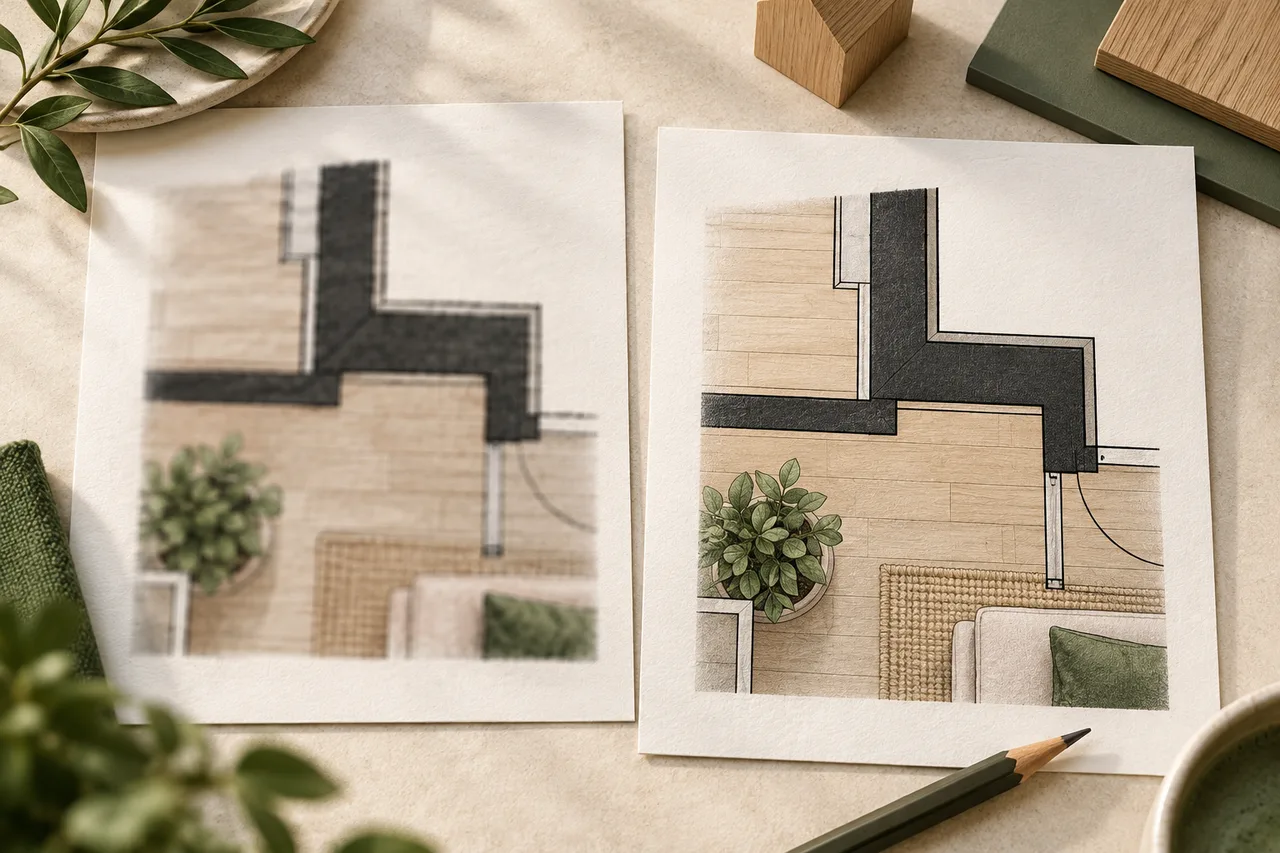
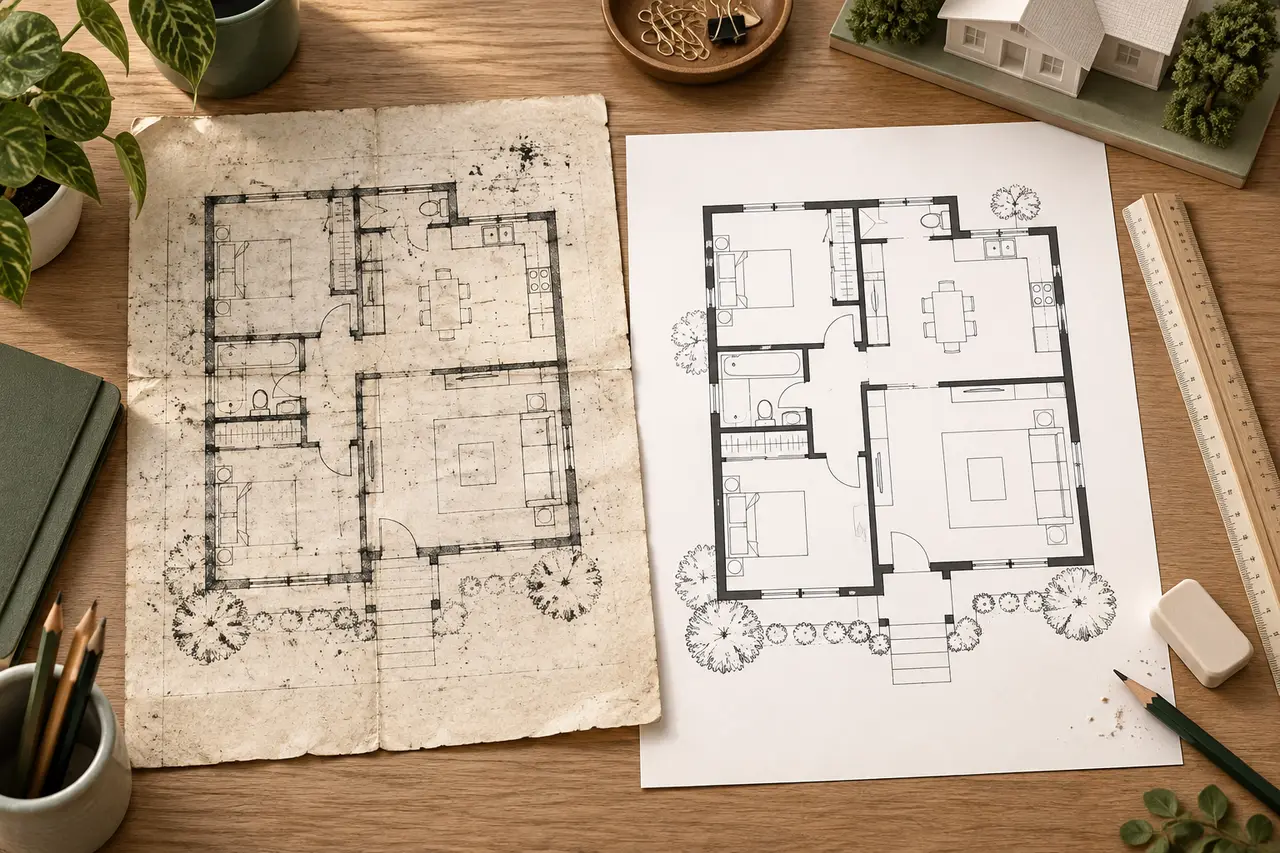
A scanned floor plan can contain useful geometry mixed with paper texture, stains, faded ink, and small rotations. Cleaning it up means making the real wall…
A missing wall in a converted model usually means the extraction did not preserve the corresponding shape in the input image. Increasing the 3D wall height…