GLB vs OBJ vs STL for a House Model
Choosing a 3D export format is easier when you begin with the next task. A person reviewing a model on screen, a designer importing meshes, and a printer…
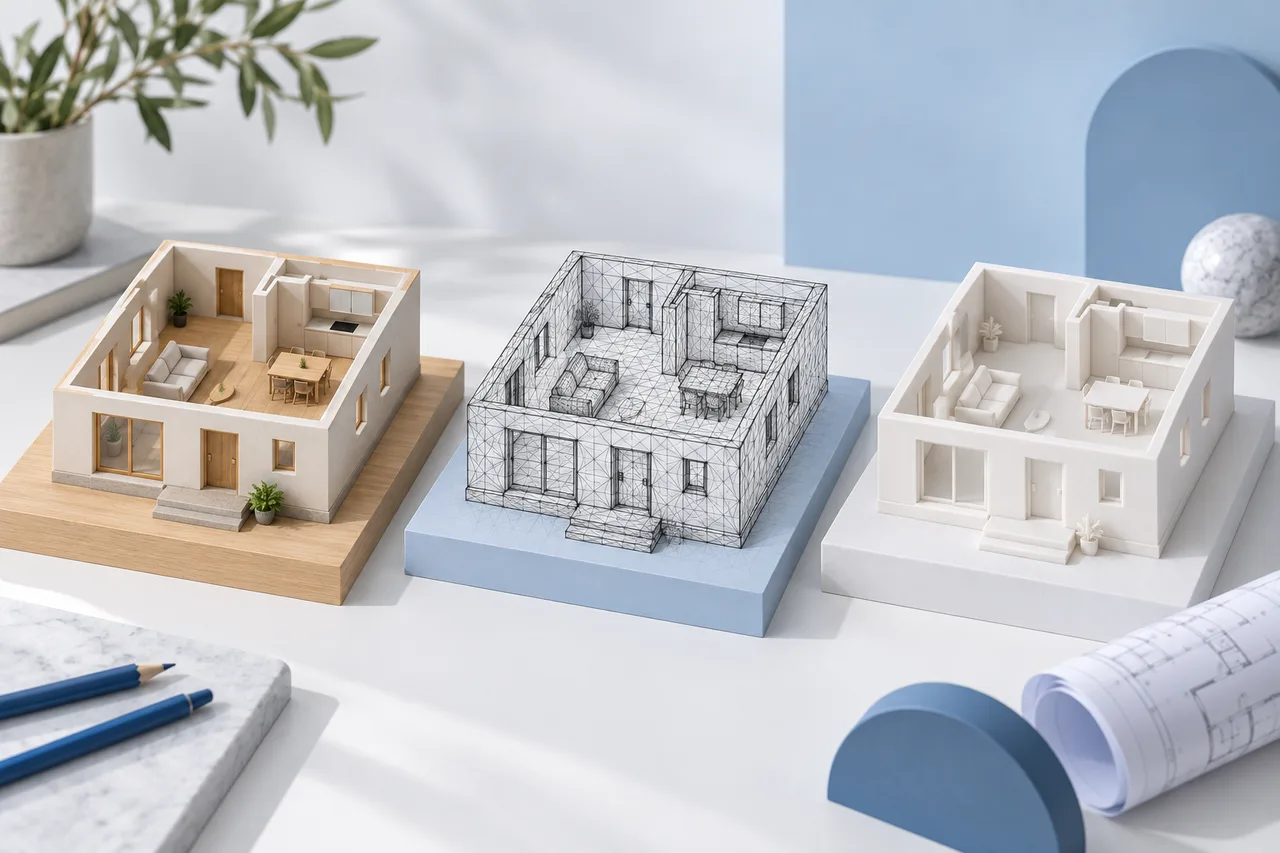
Choosing a 3D export format is easier when you begin with the next task. A person reviewing a model on screen, a designer importing meshes, and a printer preparing a miniature may need different files even when all three start with the same floor plan.
The 3D House Maker converter exports the detected wall meshes. It does not turn an uploaded plan into a complete architectural model with classified doors, windows, services, and construction assemblies.
GLB for exchanging a viewable model
GLB packages glTF data into a binary file. For this converter, it is a practical way to pass the wall geometry and its simple material to a compatible viewer or modelling application. Our GLB export uses metre-based coordinates.
A portable file is not a promise that every application will present the same lighting or camera. Open the downloaded file in the receiving program and inspect the model there. Check a known span rather than relying on how large it appears on screen.
OBJ for a mesh editing workflow
OBJ is a widely supported geometry exchange format. The current OBJ export contains wall meshes; it does not include a separate material package or a building information model. Use it when the receiving editor accepts OBJ and you plan to revise the mesh yourself.
OBJ does not establish a universal real-world unit. Our coordinates represent metres, so choose metres in the import settings where that option exists. If a wall expected to be several metres long arrives several millimetres long, investigate the units before changing the design.
STL for a miniature preparation workflow
STL describes a triangulated surface. It does not carry the same material information as a presentation-oriented model, and the numeric coordinates do not declare a universal unit. The current converter prepares STL coordinates in millimetres for a 1:100 miniature.
At that ratio, a 10-metre model span becomes 100 millimetres. Check the bounding dimensions in your slicer. Wall intersections, tiny fragments, and unsupported parts can still require repair; exporting STL alone does not make the mesh ready to print.
Keep JSON as a record of extraction
Geometry JSON serves a different purpose. It records detected polygons and related conversion information. Keep it with the source image and the measurement used for scale. It can help you understand how a later model was produced.
A JSON geometry download is not interchangeable with a drawing-project JSON file from the manual creator. The two workflows store different kinds of objects.
A simple export decision
- Choose GLB to exchange a simple viewable wall model with a compatible application.
- Choose OBJ when your next step is mesh editing and you can set the import units.
- Choose STL when preparing a miniature, then inspect scale and printability in a slicer.
- Keep the source image and geometry JSON regardless of the presentation format.
Before sharing any export, review the detected walls against the drawing. Format selection preserves the geometry you have; it cannot correct a missing wall or an incorrect measurement. Start with the converter and the wall review checklist.