Free Blueprint Maker
A blue background and light linework can make a simple layout easy to present. This blueprint maker uses the same editable drawing objects as the floor plan…
Start with the tool ↓Click two points to draw a wall. Snaps to 0.25 m.
Edits stay in this browser tab. Save a project file before leaving. Wall thickness in this conceptual preview is 0.15 m.
Create a clear concept drawing with a blueprint appearance
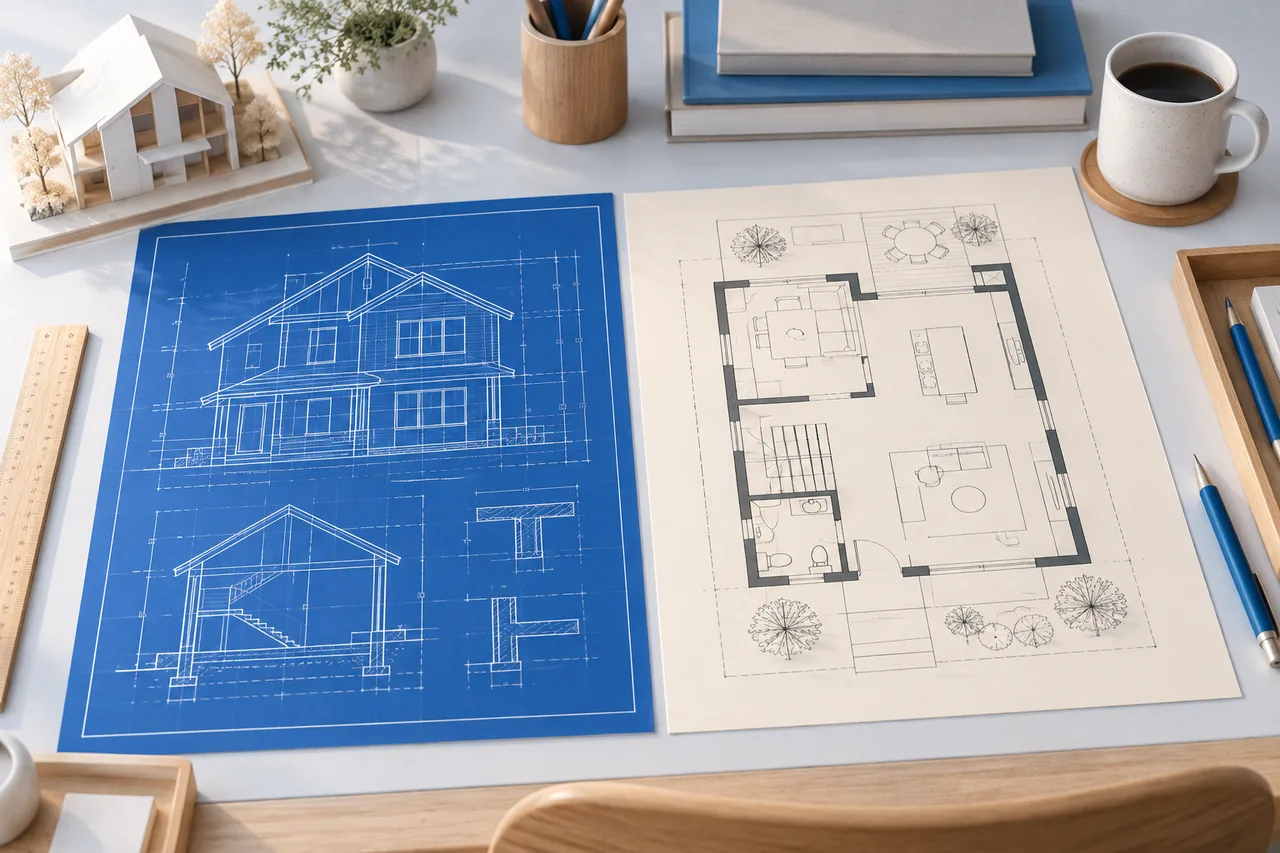
A blue background and light linework can make a simple layout easy to present. This blueprint maker uses the same editable drawing objects as the floor plan creator, with a blue drawing surface suited to concept sharing. Draw measured wall segments, add furniture footprints, and export the visible plan.
The word blueprint here describes the visual treatment. This tool does not create a complete set of permit drawings, construction specifications, structural details, or a certified building design.
Decide what the sheet needs to explain
Choose one floor or one room arrangement. Mixing several unrelated drawings on the same small canvas makes it harder to check measurements and understand the design. Keep the purpose narrow: a conversation about room divisions, a comparison of furniture layouts, or a record of a first measured concept.
Start with an envelope in metres, then add the walls that matter to that discussion. Leave uncertain details out of the precise-looking drawing and describe them separately. Visual polish should not hide a missing measurement.
Draw the wall structure
Choose Draw walls and click two points. The click grid snaps to 0.25 m, while the coordinate fields let you define a segment directly. Each wall displays its length. Use separated segments for an opening where appropriate, since the editor does not provide architectural door and window objects.
The starting rectangle can be cleared when you want a different outline. Selecting a wall outside drawing mode lets you delete it. Undo provides a limited sequence of recent changes within the current tab.
For a rectangular concept that is 6 m wide and 4 m deep, the drawing envelope is 24 m². That value describes the rectangle, not necessarily the net floor area inside real wall faces. A plan containing recesses or thick walls needs additional measurement decisions.
Add only the furniture that helps the explanation
Furniture can communicate intended use, but a crowded blueprint is harder to review. Start with the largest fixed pieces and use their actual product dimensions. The available objects are simplified rectangles, not manufacturer models.
Drag, rotate, or edit coordinates to compare positions. Review overlap notices, but also inspect walking routes and door operating space yourself. Rectangular collision checks cannot establish whether a layout is comfortable or compliant.
Export an image and keep the editable project
Download an SVG when you want a scalable drawing. Download PNG for a straightforward raster image. Both exports come from the 2D view and include the visible lines, labels, and furniture shapes. They do not include a complete architectural title block or a guaranteed print scale.
Save the project JSON as well. It stores the editable plan so you can reopen it in this tool. An exported image is convenient for sharing, but it is not a replacement for the project file when you expect revisions.
Check the drawing before sharing
Review the plan at the size at which the recipient will see it. Confirm that wall lengths are legible and the important areas are not hidden by overlapping labels. A blue image that looks good on screen may use a lot of ink when printed; a white-background export from the floor plan creator may be more practical for a printed discussion.
Include the units and the purpose of the drawing in your accompanying message. Explain which dimensions were measured, which were assumed, and what still needs verification. Do not call a concept drawing construction-ready because it resembles a traditional blueprint.
Questions about blueprint creation
Is this different from a floor plan?
A floor plan describes a horizontal arrangement of spaces. A blueprint traditionally refers to a reproduction method and is now also used informally for technical drawings. This tool makes a floor-plan concept with a blue visual style.
Can I change the design after downloading it?
Reopen the saved project JSON to continue editing here. SVG can also be opened by compatible vector tools, but edits made elsewhere are not automatically imported back into this project format.
Can I use it for planning permission?
Do not assume it meets submission requirements. Approval drawings may need specific scales, annotations, supporting details, and professional input. Use this tool to organize the concept before preparing the required documentation.
Can I show the walls in 3D?
Yes. The wall preview uses fixed display assumptions and helps you inspect the arrangement. It does not turn the drawing into a complete building-information model.
For a deeper distinction between these document types, read blueprints versus floor plans.
Put your next idea on the plan.
Start with a measured input and keep a copy of your project.
Open tool