Exporting a Floor Plan as SVG: What to Check
SVG is a vector image format. A floor-plan SVG stores shapes and text rather than only a grid of coloured pixels, which makes it useful when a drawing needs…
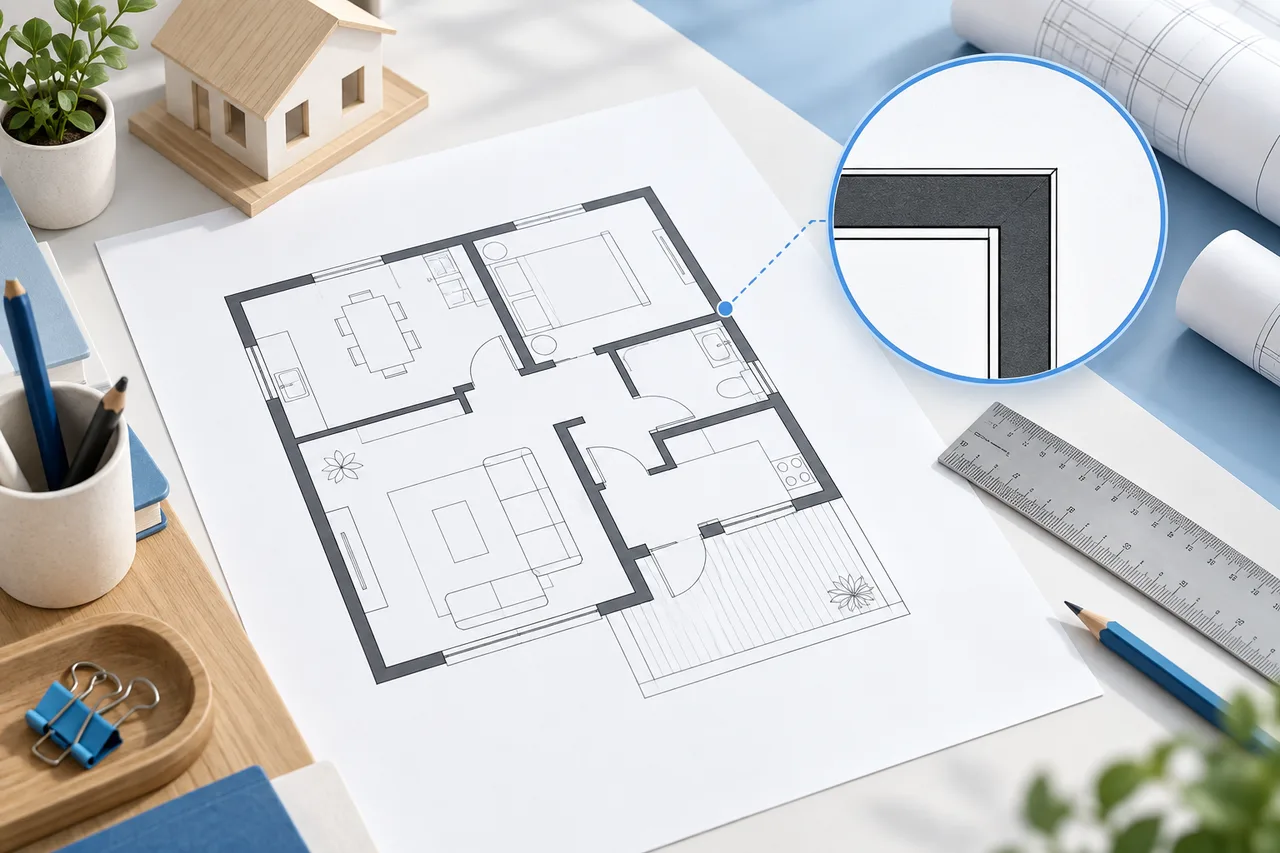
SVG is a vector image format. A floor-plan SVG stores shapes and text rather than only a grid of coloured pixels, which makes it useful when a drawing needs to be scaled or opened in compatible vector software.
The floor plan creator and blueprint maker export the visible 2D drawing as SVG. This is a presentation export, not a complete architectural CAD document.
Prepare the visible plan
Check wall positions, furniture dimensions, labels, and the drawing envelope before exporting. Return to the 2D tab, because the SVG export represents that view rather than the interactive 3D wall scene.
The export includes the current visual treatment. Choose the floor plan creator for a light-background drawing or the blueprint maker for a blue concept sheet.
Understand what is preserved
The SVG contains the visible wall lines, furniture rectangles, labels, and background. It can remain crisp when scaled in a compatible viewer. The creator's editable project structure is stored separately in JSON.
An SVG edited in another application is not automatically a project file that can be reopened in the creator. Keep the JSON if you expect to return to the same wall and furniture objects here.
Check the receiving application
Different applications can handle fonts, dimensions, and vector features differently. Open the exported file in the software that will actually be used and inspect the labels and boundaries. Do not assume that a thumbnail proves every element imported correctly.
If the recipient needs a specific CAD format or layer structure, an SVG may not meet that requirement. Confirm the expected deliverable before spending time refining an incompatible file.
Verify print scale separately
Vector scalability does not automatically preserve a physical print scale. Placing the SVG in a document, resizing it, or printing with fit-to-page can change the relationship between paper distance and model distance.
Use labelled dimensions as references and verify a known length on a controlled print if scale matters. Keep the units and drawing purpose with the exported sheet.
Retain an editable source
Save a project JSON with the same revision name as the SVG, such as living-room-option-b.json and living-room-option-b.svg. The pair distinguishes the editable source from the image used for communication.
For a simple image attachment, PNG may be more convenient. For later changes in this tool, JSON is essential. Read saving floor plan projects to keep the file roles clear.