Before You 3D Print a House Model: A Practical Checklist
A small house model can help people discuss the arrangement of rooms without relying only on a flat drawing. Printing one successfully requires two separate…
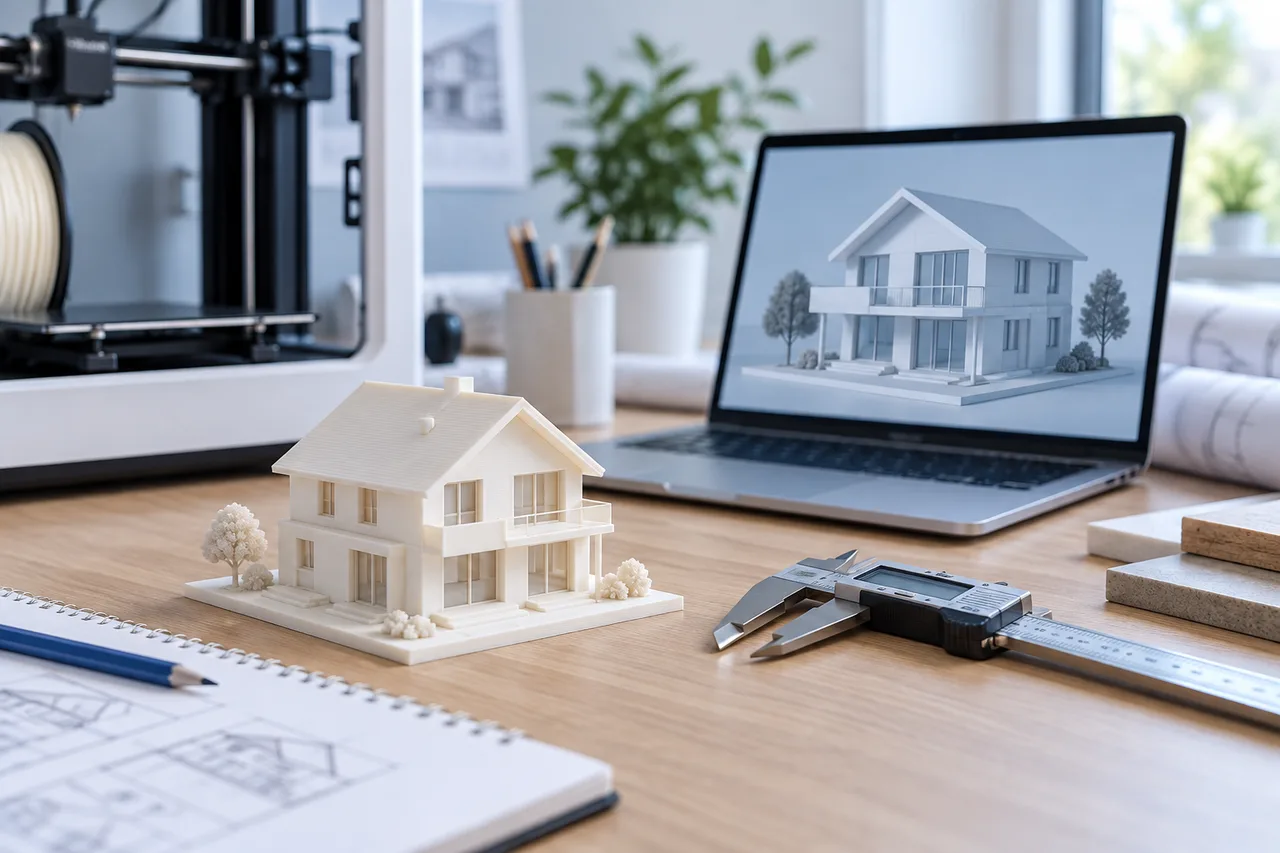
A small house model can help people discuss the arrangement of rooms without relying only on a flat drawing. Printing one successfully requires two separate reviews: whether the geometry represents the plan, and whether that geometry is suitable for the printer and material.
The current 3D House Maker STL export provides detected wall meshes at a 1:100 miniature scale in millimetre coordinates. You still need a slicer and, where necessary, a mesh editing tool to prepare the physical model.
Decide what the miniature should explain
Choose a clear purpose before adding detail. A model for comparing room connections may need only walls and openings. A display model may need a base, furniture, finishes, and a roof, which require additional modelling work.
Keep one floor separate while testing. A multi-storey presentation introduces alignment, support, and access questions that a single wall preview does not resolve. The converter does not automatically assemble several floors into one building.
Verify the scale in the slicer
At 1:100, a 10-metre real-world span becomes 100 millimetres. Check the bounding size after import, since STL does not carry a universal unit declaration. Confirm the wall height as well as the footprint.
If you resize the whole miniature, every wall thickness and gap changes too. Record the new ratio rather than continuing to describe it as 1:100. Keep a copy of the unmodified export for comparison.
Review thin features and disconnected parts
Use the slicer's layer preview to inspect whether walls actually generate printable paths. A feature visible in the shaded model may be too thin or too small for the selected process and settings.
Look for tiny fragments created from text, furniture outlines, or noise in the drawing. Remove those in the source or a mesh editor. Review overlapping wall meshes and repair them where your slicing workflow requires it; do not assume the preview has already resolved every intersection.
Consider a supporting base
The current STL export contains walls without a purpose-designed printing base. A base can connect separate sections and make a miniature easier to handle, but it also changes the model and material use.
Design the base in a modelling tool when needed. Check how it meets the walls and whether any intended openings remain readable. A simple rectangular base may be adequate for a discussion model, while an exact footprint needs more careful modelling.
Test before committing to a large print
Use a representative corner or small section to test wall thickness, detail, and finish with your own equipment. Follow the printer and material guidance for settings and handling. This article does not prescribe universal nozzle, exposure, or temperature values.
After printing, compare the physical model with the drawing again. Printing can reveal unclear junctions, but it cannot validate the building design. Keep the miniature labelled as a planning or presentation aid.
Start with the floor-plan-to-STL workflow and review common floor-plan mistakes before preparing the mesh.