Planning a Multi-Floor House as Separate Models
A multi-floor project needs more than several floor plans placed one above another. Each level must use compatible scale, a clear vertical reference, and a…
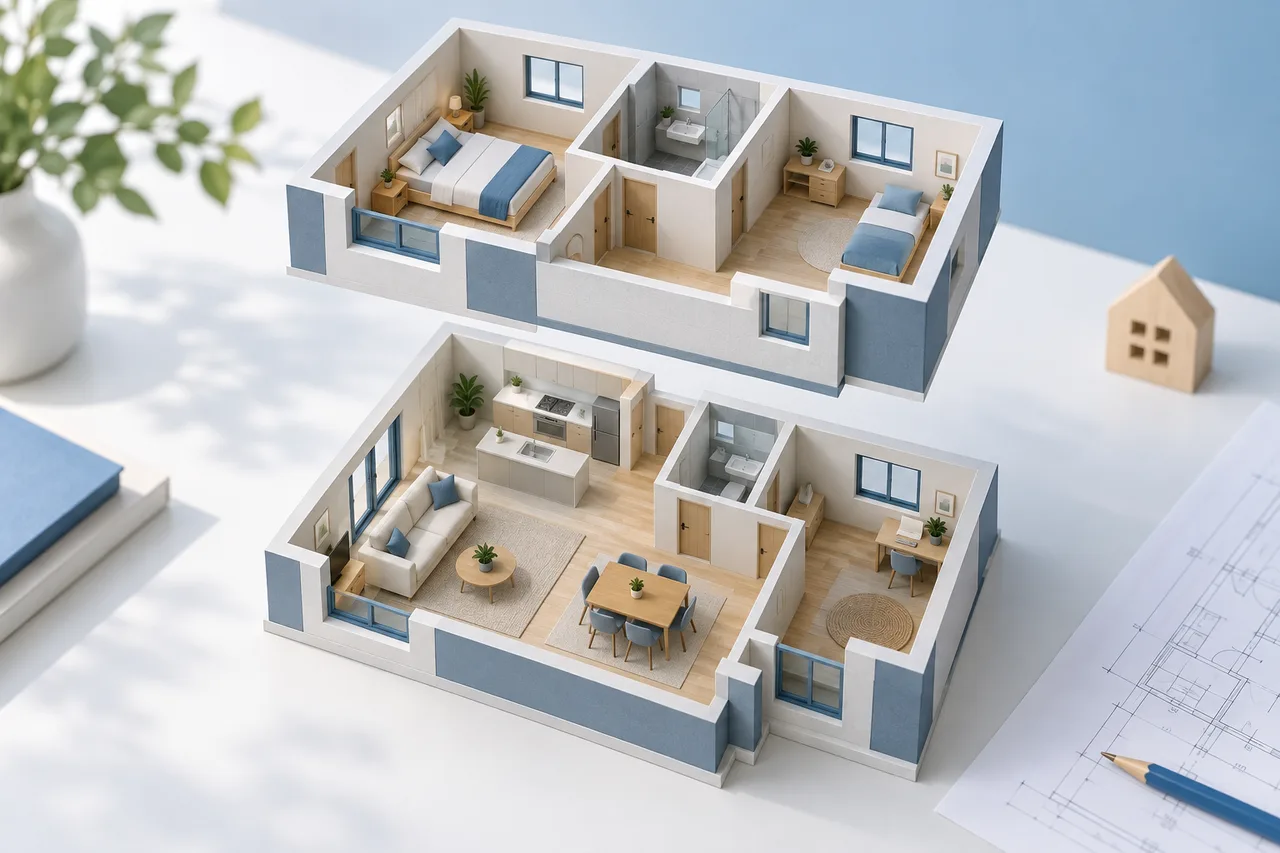
A multi-floor project needs more than several floor plans placed one above another. Each level must use compatible scale, a clear vertical reference, and a consistent alignment point. Without those checks, a convincing stack can hide mismatched geometry.
The current converter processes one selected PDF page or image at a time. It does not automatically assemble a multi-storey building.
Separate the floors first
Prepare one input per level and label it clearly. A PDF page containing ground and upper floors should be separated into suitable images when necessary. Otherwise the converter may interpret both footprints as objects on the same plane.
Keep the original sheet and its annotations. A cleaned image is useful for extraction, while the original can preserve stair notes, level references, and dimensions needed later.
Establish compatible scales
Calibrate each floor from verified dimensions. Two images with the same pixel width can represent different real widths, especially if they were exported or cropped separately. Do not assume identical image dimensions imply identical scale.
Use a dimension that can be identified accurately on each floor. Check another reference where possible. Record the image version and scale with each export.
Choose an alignment reference
A shared corner, structural grid point, or another documented feature can help relate the levels. Image centres are not reliable architectural alignment points because margins and crop positions may differ.
The converter centres each exported wall model around its image footprint. When assembling exports in another modelling application, align them using the chosen building reference rather than leaving their automatically centred positions unchanged.
Keep vertical levels explicit
Wall height and floor-to-floor height are different quantities. A floor slab, ceiling void, or other construction can separate the top of a clear room from the next level. Use verified level information when it is available.
If you are building an early concept with assumed heights, label those assumptions. The converter does not infer storey levels, slab thickness, stairs, or roof geometry from the separate plan images.
Review the assembly in another tool
GLB or OBJ wall exports can be used as starting geometry in a compatible modelling workflow. Check units after import, align the floors, and verify vertical offsets. Inspect stair and shaft relationships using the original documents rather than relying only on the extracted polygons.
Keep each level as a separate named object or file while reviewing it. A clear file set makes a later correction easier than a merged model with no trace of which image produced each floor. Read GLB, OBJ and STL differences before choosing the export for the next application.