Common Floor Plan Mistakes and How to Catch Them
Many floor-plan mistakes come from mixing assumptions with measurements. The drawing can look orderly while its room sizes, furniture footprints, or opening…
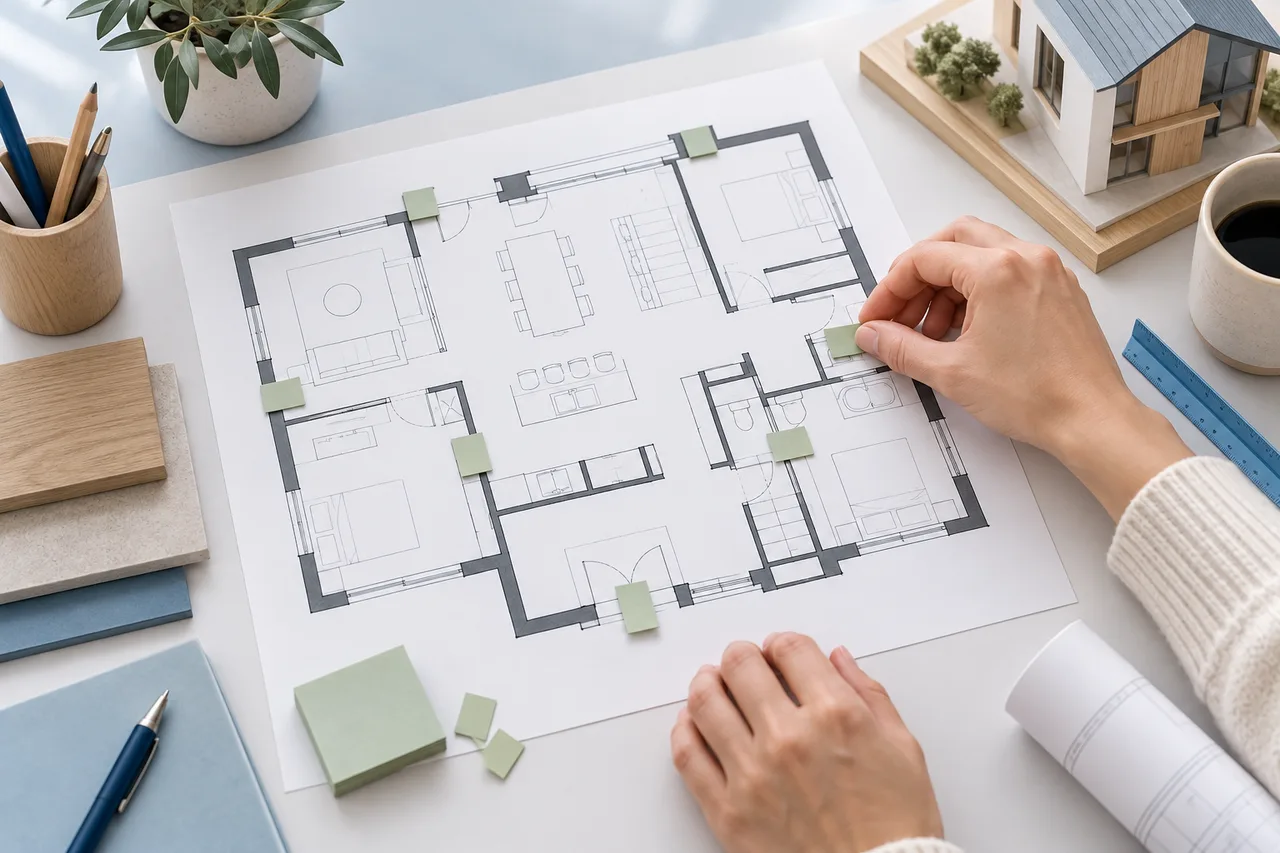
Many floor-plan mistakes come from mixing assumptions with measurements. The drawing can look orderly while its room sizes, furniture footprints, or opening positions are inconsistent. A short review of the inputs often prevents more trouble than adding detail to the presentation.
Use the following checks on both hand-drawn concepts and digital plans.
Mixing units or boundaries
A number entered in the wrong unit can distort the whole layout. Confirm whether the tool expects metres or feet and whether an area is expressed in square units. Keep the unit visible in the source notes.
Also check the measurement boundary. An inside room dimension and an outside building dimension are not interchangeable. Applying them to the same reference line can create discrepancies that are hard to explain later.
Trusting generic furniture sizes
A bed or sofa symbol is not a verified product footprint. Replace starting dimensions with the actual item's external size, including projections that affect placement. Keep operating space for doors, drawers, and moving parts in the review.
A plan with no rectangle overlaps can still be difficult to use. The room layout planner helps compare positions, but it does not automatically model every clearance or activity.
Ignoring image margins when scaling
In the converter, the span represents the full longest image edge. If a building occupies only part of that edge, entering the building width as the full span gives the wrong scale. Use a known dimension and the image's pixel relationship to establish the complete span.
Cropping or resizing the image after calibration requires a new check. Save the exact image version used for the exported model.
Treating an attractive preview as verification
A 3D image can hide missing walls, false partitions, or incorrect heights. Compare the detected 2D footprint with the source before judging the model from an angled view. Rotate it when a wall may simply be hidden behind another.
Generated editorial illustrations are not evidence that a particular input will produce a similar result. Keep conceptual imagery separate from actual product captures.
Saving only a picture
PNG and SVG exports are useful for communication, but the drawing project's JSON is the file intended for reopening in the creator. Save both when revisions are likely. A converter geometry JSON is a different format and should not be confused with an editable drawing project.
Use filenames that identify the baseline and alternatives. A small amount of file organization makes it much easier to compare decisions without accidentally working from an outdated plan.
Before sharing, review units, boundaries, furniture dimensions, openings, scale, and file version. The creator checklist turns these points into a practical final pass.