How to Make a Concept Blueprint Online
An online blueprint is most useful when it explains one clear idea. Decide whether the drawing is for a room arrangement, a first building footprint, or a…
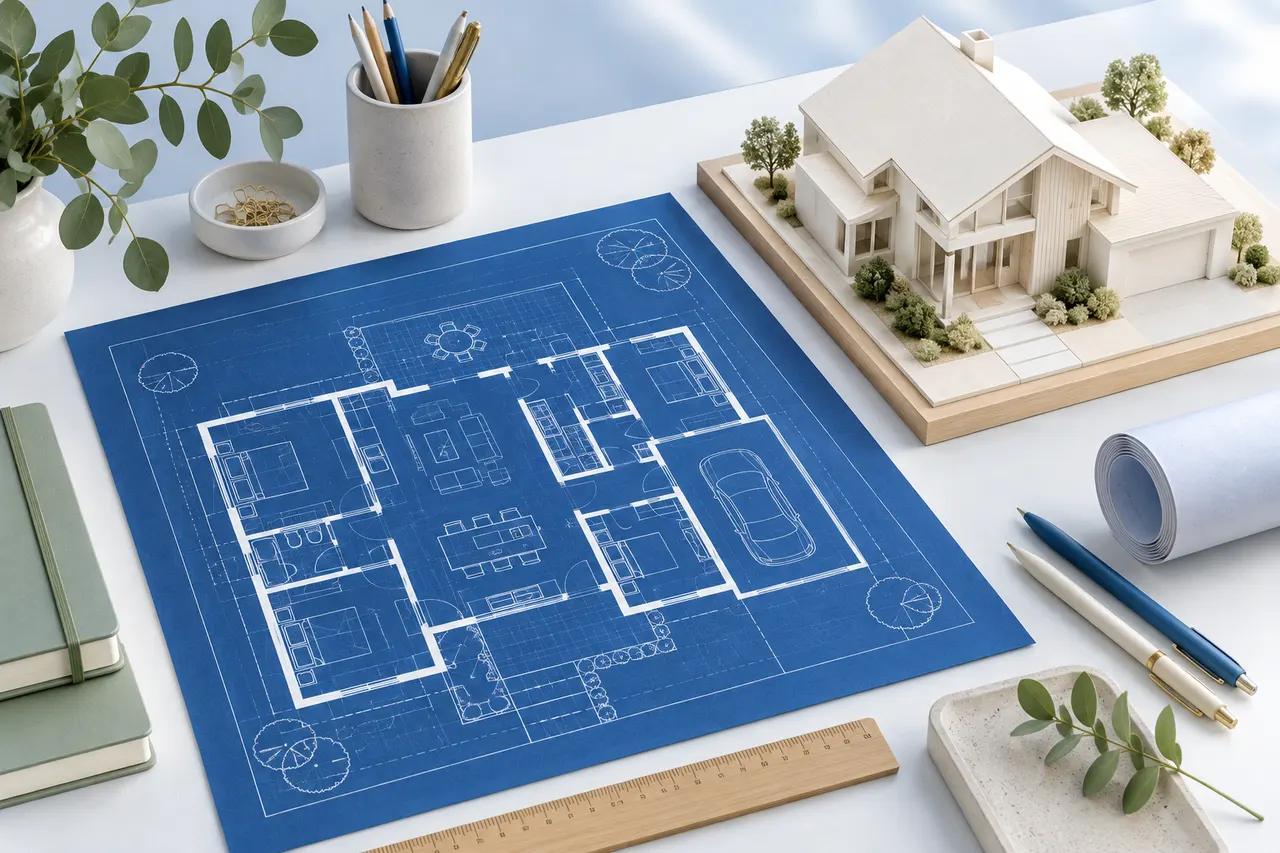
An online blueprint is most useful when it explains one clear idea. Decide whether the drawing is for a room arrangement, a first building footprint, or a discussion about partitions. That purpose determines which details belong on the sheet and which need supporting notes.
The blueprint maker creates a blue-background concept plan. Its appearance does not make the result a certified drawing or a complete set of construction documents.
Collect the inputs before drawing
Write down the units, overall dimensions, and the position of important openings. Keep a rough measurement sketch beside the editor. Distinguish measured values from assumptions so you do not accidentally present both with equal confidence.
For an existing room, use consistent internal wall references. For a broader building outline, document which boundary you are representing. The term blueprint does not resolve that measurement choice for you.
Build the geometry in a clear order
Draw the outer boundary first, followed by internal divisions. Use the coordinate fields when the click grid does not match a measured point. Check each segment's displayed length before adding more detail.
Represent openings with deliberate gaps between wall segments. The editor does not include complete door and window components, so note swing direction and vertical information separately. Avoid using an unexplained gap where the recipient might assume a missing line is an editing error.
Use furniture to explain, not decorate
Add a few furniture footprints if they clarify the intended use of a space. Enter actual dimensions when the arrangement depends on a specific item. Too many symbols can obscure the boundaries and labels you want someone to review.
The blueprint theme is a presentation choice. Keep the same geometry when comparing it with a white-background export, rather than changing the layout merely to create a more attractive image.
Choose an export for the recipient
SVG preserves scalable drawing elements and is useful in compatible vector workflows. PNG is convenient for an image attachment or document. Save the project JSON as well if you expect to edit the drawing later in this tool.
Neither image export guarantees a physical print scale after it has been placed into another document. If scale on paper matters, control the document size and print settings and verify a known dimension on the printed result.
Review the sheet with its explanation
Check that the key wall lengths are legible and the plan is not cut off. Include the units, purpose, assumptions, and revision name in the message or document accompanying the export. A clear explanation prevents visual polish from implying information the drawing does not contain.
For a building decision, ask which additional drawings and professional input are required. For a concept conversation, keep the file simple and traceable. Read blueprint versus floor plan if the requested deliverable is still ambiguous.