Wall Thickness in a Floor Plan: What the Lines Tell You
Wall thickness affects the relationship between an outside footprint, internal room dimensions, and the lines used to draw a plan. Before interpreting a…
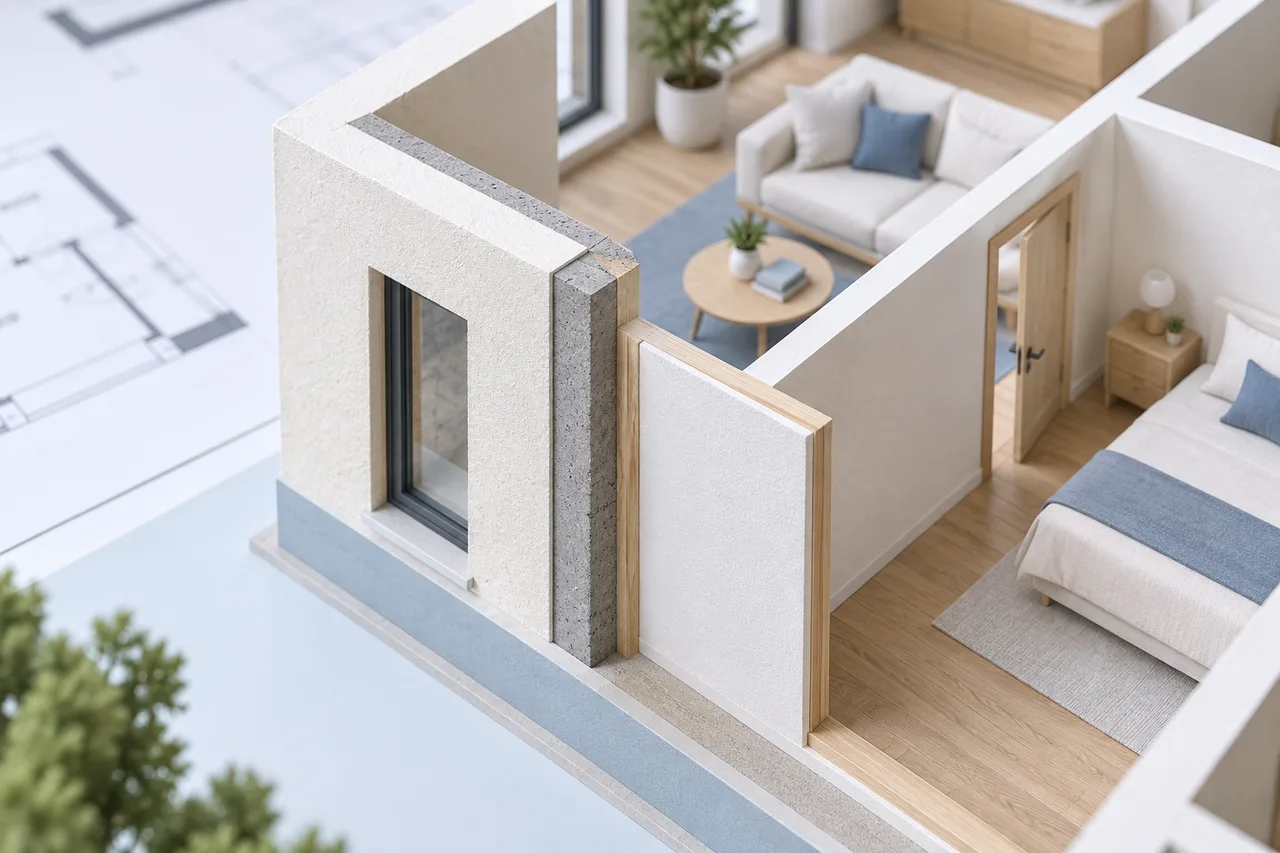
Wall thickness affects the relationship between an outside footprint, internal room dimensions, and the lines used to draw a plan. Before interpreting a thickness, identify which wall faces or reference lines the drawing represents.
A dark band in a scan may not be a reliable physical measurement. Its apparent width can also be affected by line weight, resolution, and image processing.
Distinguish linework from construction
Some drawings show two wall faces; others use a single centreline or a heavy graphic line. A symbol's visual thickness is not always the actual wall thickness. Look for dimensions, details, or a legend that explains the convention.
The floor plan creator uses a fixed 0.15 m thickness in its 3D wall preview as a visualization assumption. That value is not a recommendation for the construction of your building.
Understand how the converter behaves
The converter extracts wall polygons from the image. Their width follows the detected footprint, scaled by the chosen image span. If an annotation merges into the wall mask, the resulting polygon can be wider than the real wall.
Compare the 2D overlay with the source before trusting the 3D appearance. A thick-looking wall in the model may reflect image artifacts rather than an architectural distinction.
Use consistent measurement references
An outside building width includes wall thickness differently from an inside room width. If you position partitions using one convention and draw the exterior boundary using another, the room sizes may no longer agree with the source.
For a conceptual furniture plan, record internal clear dimensions explicitly. If you also need the outer footprint, keep those measurements separate and document how the walls relate to them.
Check scale before changing the geometry
If all detected walls appear too thin or too thick relative to the rooms, verify the image and the scale. If only one area is distorted, inspect its source linework and nearby annotations. Changing wall height does not solve a footprint-width problem.
For example, a heavy hatch touching a wall can be included in the contour. A cleaner wall-focused upload may improve that area, while a global scale change would incorrectly resize every room as well.
Do not infer structural behaviour
Thickness alone does not identify whether a wall supports loads or contains important services. A floor-plan preview does not provide the materials, connections, or structural information needed for that conclusion.
Use the model to locate questions and communicate the arrangement. Keep verified dimensions and source documents with it, and obtain appropriate professional input for building changes. Read reviewing generated walls for a systematic geometry check.