What to Look for in a Free Floor Plan Creator
A final floor-plan check should answer more than “does it look tidy?” Review the drawing's purpose, units, boundaries, and saved files. A polished image can…
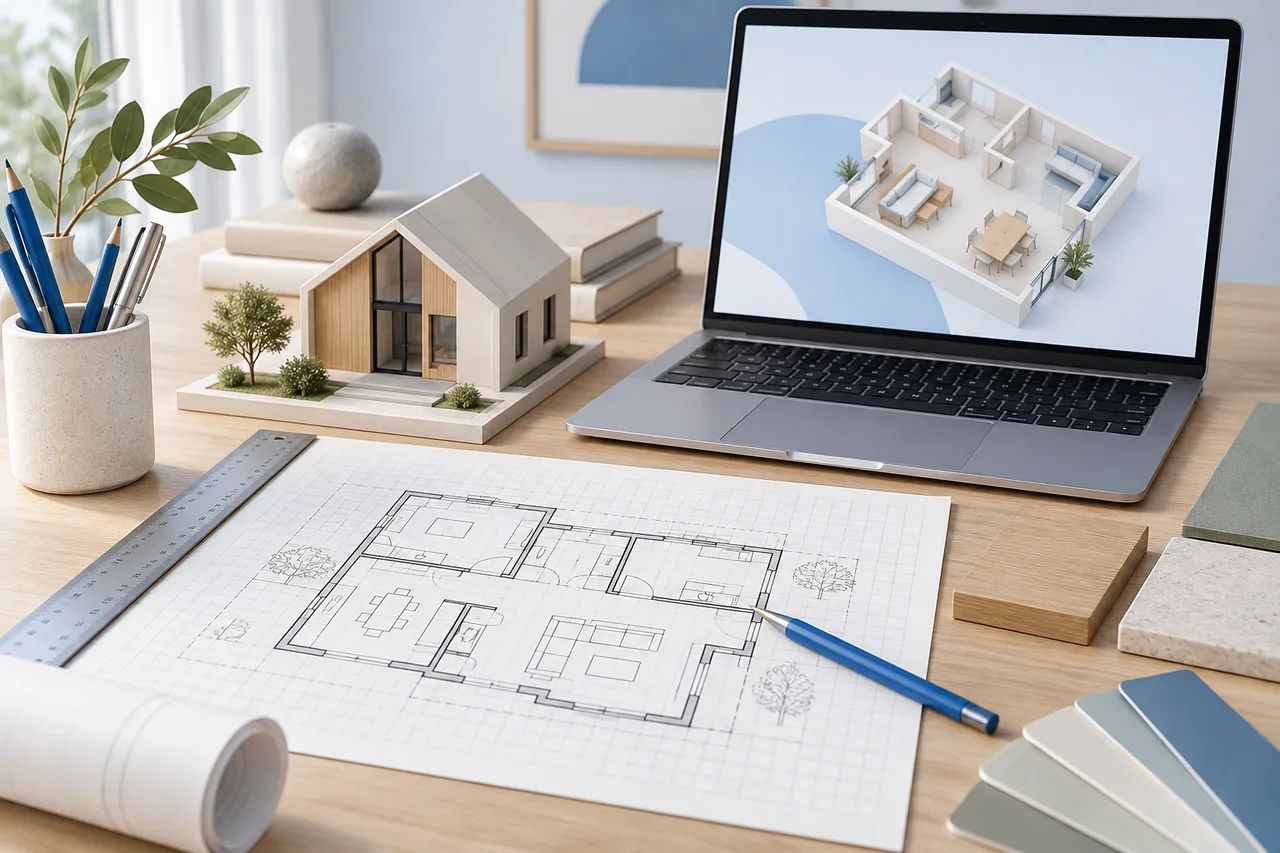
A final floor-plan check should answer more than “does it look tidy?” Review the drawing's purpose, units, boundaries, and saved files. A polished image can still contain an incorrect dimension or an assumption that another person will mistake for a measurement.
Use this checklist after making a baseline drawing and again before sharing a revised option.
Check the measurement foundation
Confirm the units and the boundary convention. If your dimensions describe internal room faces, make sure the drawn outline follows that convention consistently. Compare at least one long overall dimension with the source sketch.
Look for numbers that were estimated rather than measured. Keep those assumptions visible in accompanying notes. Do not add decimal precision to an approximate value merely because the input accepts it.
Inspect the wall geometry
Follow the boundary around the entire plan. Check for accidental gaps, duplicate segments, and walls that extend beyond the intended footprint. Inspect angled segments using their coordinates and length rather than relying only on their appearance.
Review openings separately. In the current creator, a gap between wall segments represents an opening conceptually; it is not a detailed door or window component. Keep the door swing and other operating details in your review notes.
Review furniture as actual footprints
Replace the example dimensions of beds, sofas, desks, and storage with the dimensions of the intended items. Rotate and position them deliberately. A symbol that fits only because its size was guessed does not validate the arrangement.
Check access around the furniture, the route from the entrance, and the space needed to open storage. Rectangular overlap notices can reveal simple clashes, but they do not cover all of these relationships.
Compare the 2D and 3D views
Use 2D for coordinates and furniture footprints. Use the 3D wall view for a spatial overview. The editor's wall height and thickness are visualization assumptions, and furniture is not currently shown in that 3D preview.
If the two views seem inconsistent, return to the wall coordinates and the camera angle. A wall hidden by another wall is different from a missing segment.
Save files for both editing and communication
- Save project JSON for later editing in the creator.
- Export SVG when a scalable drawing is useful.
- Export PNG for a straightforward image attachment.
- Keep a measured baseline and separate files for alternatives.
- Include units, assumptions, and the drawing's purpose when sharing.
Open the saved project once as a practical check that you have the file you intended to keep. Remember that a converter geometry JSON and an editable drawing project JSON serve different purposes and are not interchangeable.
Decide whether the drawing is ready for its next use
A concept plan may be ready for a conversation while still being unsuitable for purchasing, approval, or construction decisions. Judge readiness against the actual next step. The creator helps organize the geometry; it does not certify the design or replace the supporting documentation needed for building work.