Image Size Is Not Room Size: Pixels, Scale and Measurements
A drawing that is 2,000 pixels wide does not, by itself, tell you how many metres wide the building is. Image size describes digital samples; building…
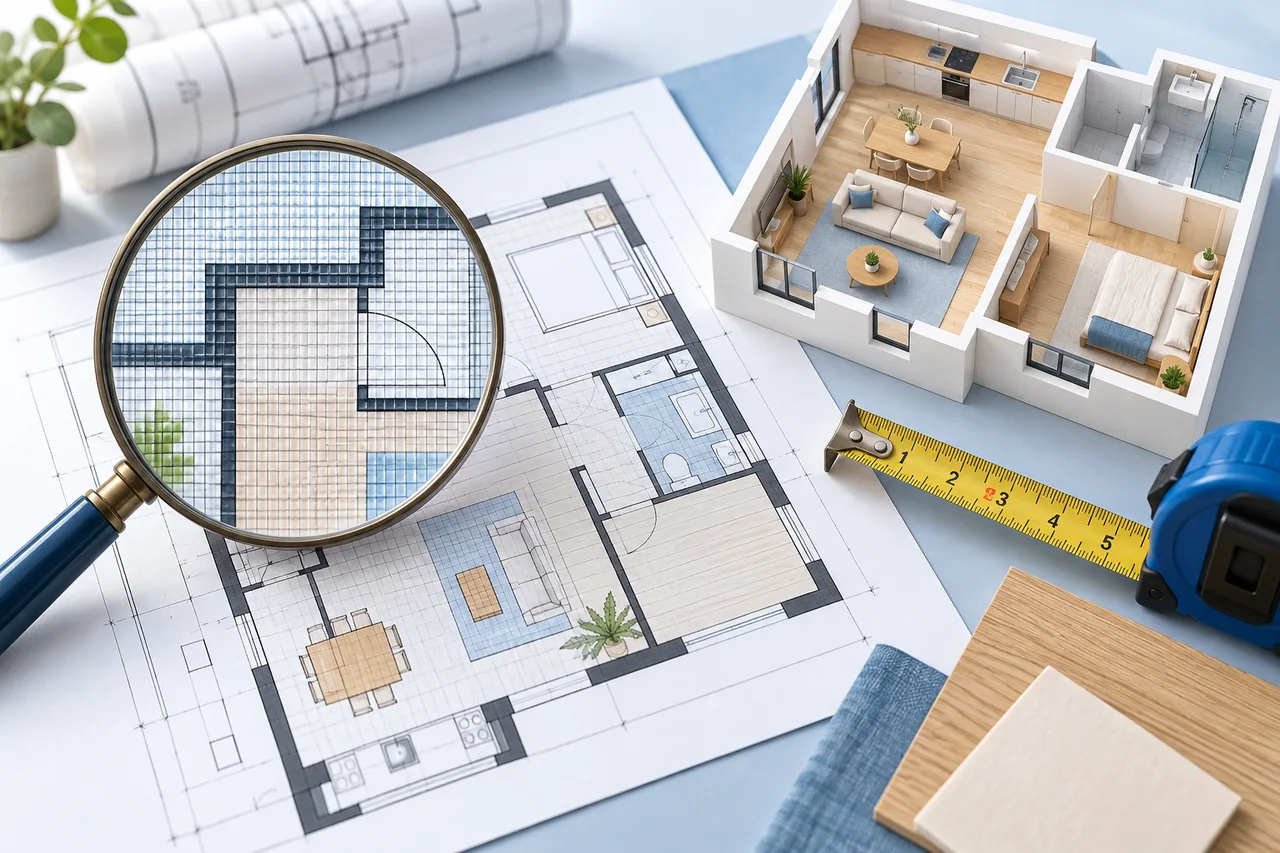
A drawing that is 2,000 pixels wide does not, by itself, tell you how many metres wide the building is. Image size describes digital samples; building dimensions describe the real space represented by those samples. You need a reliable relationship between the two.
This distinction matters whenever you measure from a screenshot, resize a plan, or choose the horizontal span for a converted 3D model.
Pixels describe the image
The same floor plan can be exported at 1,000 or 2,000 pixels wide without changing the intended building. The larger export may preserve more line detail, but it does not represent a larger house.
Likewise, enlarging a blurry image adds pixels without recovering missing drawing information. Readability and measurement scale are related concerns, but they are not interchangeable.
Use a known distance as a reference
Suppose a clearly identified 4-metre wall spans 800 pixels in the image. The relationship is 4 divided by 800, or 0.005 metres per pixel. A second 300-pixel distance in that same undistorted image would represent 1.5 metres.
Both measurements must come from the same image version. If you resize the image between measuring the reference and measuring the target, the original ratio no longer applies. The scale calculator helps with the arithmetic, but you must select the correct points.
Account for white margins and cropping
The full image width may include a title block or a wide border. Setting the image span equal to the outside width of the building would then make the building itself too small in the model.
For example, if the building occupies only part of the image, its real width is not automatically the real span of the complete image. Crop carefully or calculate the relationship from a known reference and the full pixel extent.
Do not rely on a printed scale label alone
A label such as 1:100 describes an intended drawing-to-real-world relationship at a particular output size. A screenshot or resized print can change that relationship. Check a written dimension or another dependable reference rather than assuming the label still applies to your current image.
When printing, page scaling and fit-to-page settings can alter the size further. Preserve the source document and verify the output if physical measurement from the print matters.
Watch for distorted photographs
A photograph taken at an angle can make the scale vary across the page. A single pixel-to-metre ratio cannot correct that perspective distortion. A scan or direct document export is a better starting point when available.
Even a straight-looking image deserves a cross-check. Compare a second known distance in another part of the plan. If the ratios disagree substantially, investigate the source before treating derived measurements as reliable.
Keep your reference measurement with the project. Read calibrating floor-plan scale before setting the model span, and treat unverified previews as unscaled.