Floor Plan Privacy: What to Remove Before Uploading
A floor plan can contain more than room dimensions. Names, an address, notes about access, and details of private spaces may appear around the drawing.…
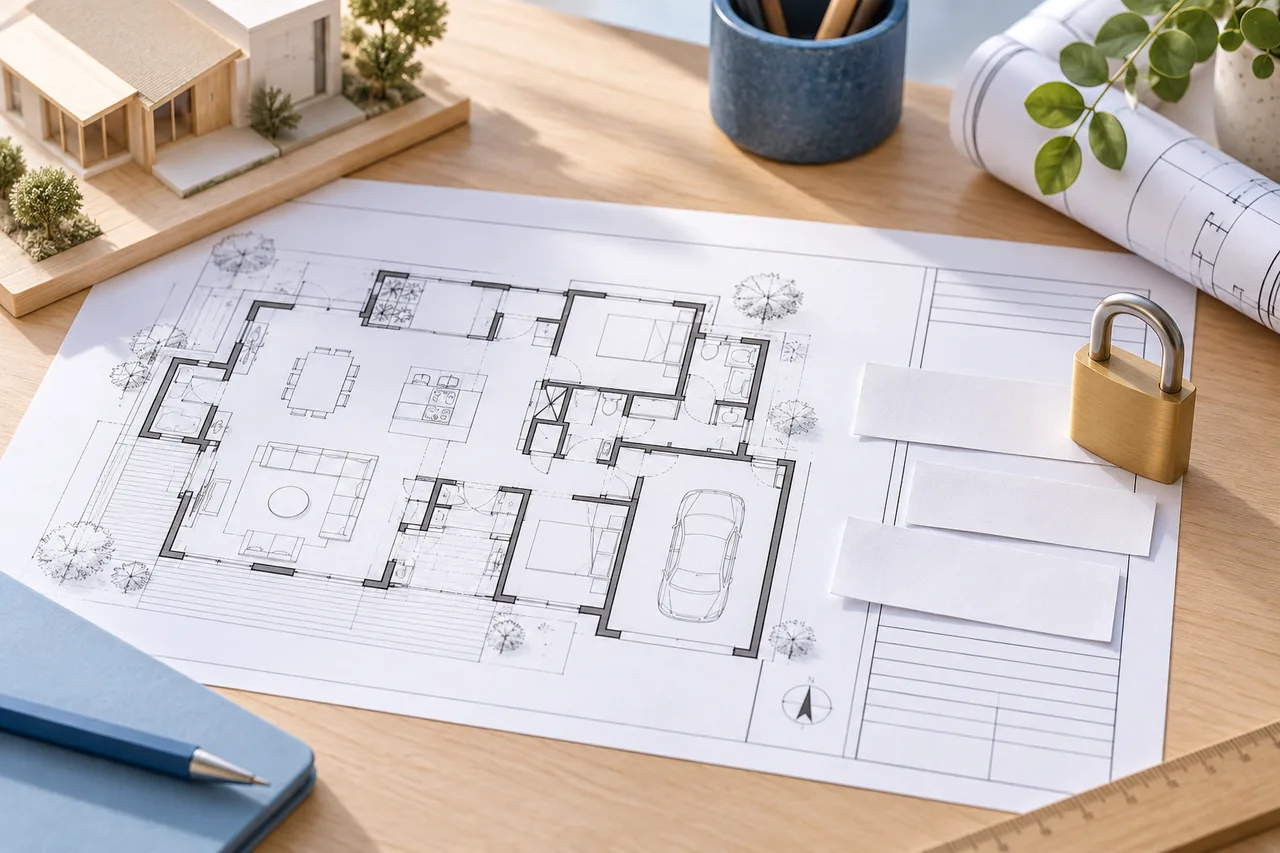
A floor plan can contain more than room dimensions. Names, an address, notes about access, and details of private spaces may appear around the drawing. Preparing an upload copy is a useful moment to decide which information the conversion actually needs.
This guide explains the current 3D House Maker workflow. The site's privacy notice describes the application more fully and should be checked when the service changes.
Know which tools upload a file
The floor-plan converter sends the selected drawing to the application server for processing. It creates working images, a job record, and detected geometry. This conversion workflow does not send the visitor's plan to an external generative-image provider.
The manual floor plan creator, room layout planner, blueprint maker, and calculators work in the browser. Their drawing and calculation inputs are not submitted to the conversion server by those tools. Choosing a manual tool may be appropriate when you only need to explore a layout from measurements.
Remove information that is not needed
Work on a copy and preserve your original. Crop unrelated title blocks and remove personal names, exact addresses, access instructions, or private notes that are not required for the preview. Check both the drawing and any margins.
Do not remove an important dimension without recording it elsewhere. Privacy preparation and geometric preparation should support each other: a clear wall drawing and a separate private measurement reference can be more useful than a crowded upload.
Use only plans you may share
Possessing a file does not necessarily mean you have permission to submit it to another service. Check the source of the drawing and any restrictions attached to it. If you are uncertain about a confidential project, resolve that question before uploading.
This tool does not determine ownership or permission on your behalf. A floor plan used for a public illustration and a private client's working drawing can have very different sharing expectations.
Understand temporary project storage
The preview retains temporary conversion files for up to 24 hours under its cleanup process. The workspace delete control requests earlier removal of the project and its working files. Keep your own copy of any source and downloaded result you need.
A conversion project uses a separate access key for result requests. Treat that key as private if you inspect requests or build an integration. The temporary workflow is not a permanent account-based storage service.
Share reviewed outputs carefully
Before sending a screenshot, JSON, or model to someone else, inspect what it reveals and whether it is the intended revision. A 3D model may still communicate a private layout even when written names have been removed.
Keep public article illustrations separate from visitor projects. Our conceptual editorial images are not examples of a visitor's uploaded house. For a practical preparation sequence, see preparing a floor plan for upload.