Restaurant and Event Floor Plans in 3D: Seating, Service and Review
Develop a restaurant or event 3D floor plan with clear seating assumptions, service routes and practical review steps, without confusing layout with safe occupancy.
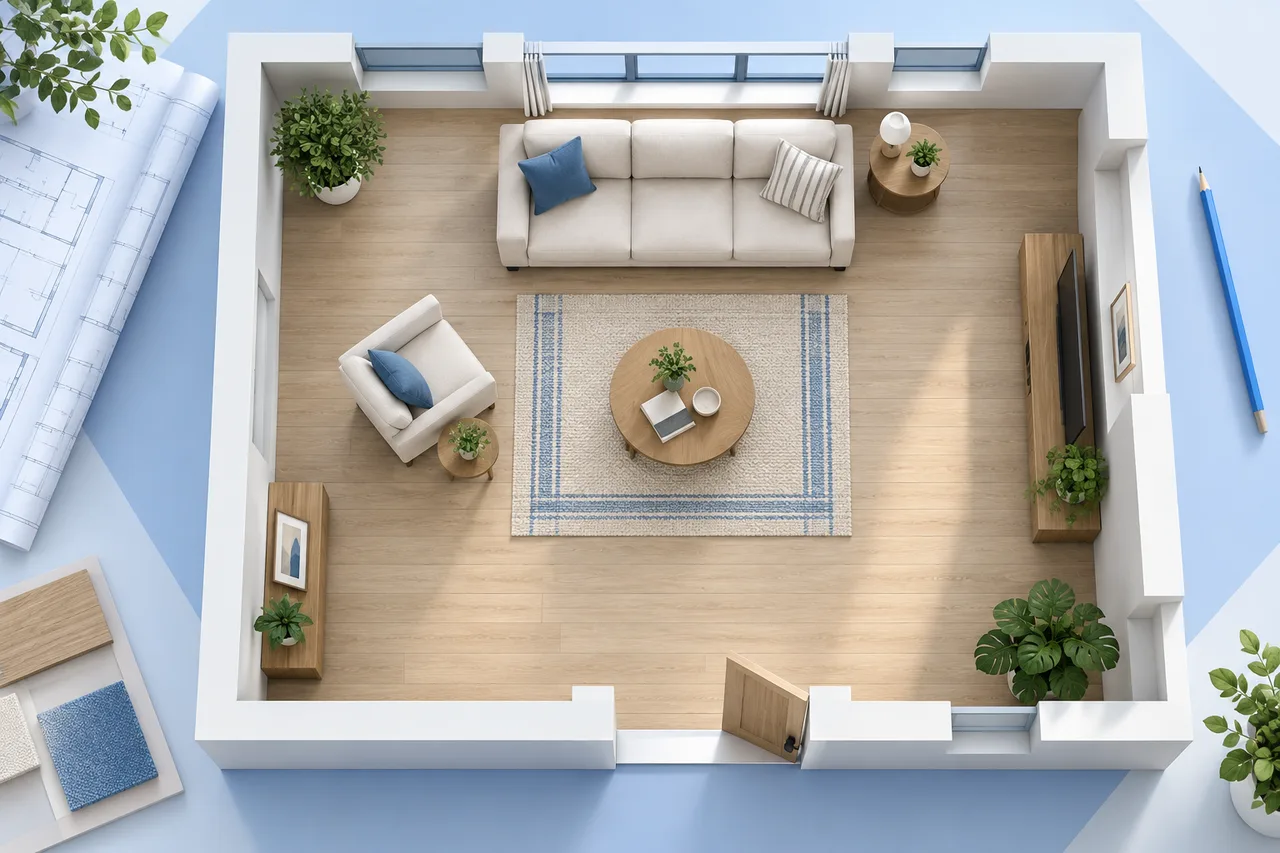
A restaurant or event plan has to explain movement as well as furniture. Guests arrive, staff carry items, chairs move away from tables and equipment needs access. A layout that looks spacious from above can become awkward when those activities happen at the same time.
Use a 3D plan to compare arrangements and communicate questions before committing to a setup. Keep it connected to a measured 2D reference, an inventory of real equipment and a review by the people responsible for the venue.
The numerical examples below are fictional concept exercises. They do not establish permitted occupancy, compliant exit routes, accessibility, fire safety or food-code compliance. Those questions depend on the specific premises, activity and applicable local requirements, and require qualified review.
Begin with the event or restaurant operation
Write down what the space needs to do before adding tables. A café with counter ordering has different queues from a restaurant with seated service. A wedding meal, a presentation and an exhibition place different demands on the same room.
Describe arrival, the main activity and departure. Then add delivery, storage, cleaning and staff tasks. Decide what changes during the day: a registration desk might disappear, while chairs move toward a stage after a meal. Each change needs its own arrangement rather than one drawing expected to represent everything.
For restaurant floor plan design in 3D, the first useful image may be an empty room with doors, columns and fixed equipment marked. Decoration can wait until the operation and the constraints are understood.
Build a reliable empty-room reference
Record the room outline, wall thickness where known, columns, changes in level, doors and fixed features. Include the direction and opening extent of doors. Mark the locations that a venue professional identifies as important for access and evacuation; do not infer those from a rental brochure alone.
Check at least one horizontal and one vertical reference dimension. If you are working from a scan, verify scale before tracing. The floor plan scale calculator helps with basic proportional calculations; it cannot verify the source or determine legal clearances.
Keep proposed movable objects on a separate layer or in a distinct version. This makes it easier to see whether a room has been accidentally enlarged, a column hidden or an entrance shifted while furniture was being arranged.
Use area arithmetic to expose assumptions
Consider a fictional 12 m by 10 m interior rectangle, totaling 120 m² before any detailed measurement convention is applied. For an early restaurant concept, reserve 30 m² for a kitchen and preparation zone, 12 m² for toilets and support, and 9 m² for arrival and waiting. That leaves 69 m² for dining and associated movement.
The subtraction is useful, but it is not a seating calculation. Walls, equipment, service arrangements and required routes can change the usable area. A kitchen allocation is also not proof that the proposed food operation fits safely or complies with local rules.
Draw the actual shapes. A 5 m by 6 m kitchen has the same area as 3 m by 10 m, but the equipment relationships differ dramatically. Area totals should support a geometric review, not replace one.
Model table footprints and occupied zones separately
Use furniture dimensions from the actual stock or supplier information. A square 0.7 m by 0.7 m table has a 0.49 m² top footprint. Eight such tables account for 3.92 m² of table footprint. That small number does not represent the area required for a functioning dining arrangement.
Add chair positions, people seated, chair movement and the routes used around the table. Use clearly labeled concept envelopes where actual movements have not been measured. Do not convert an arbitrary envelope into a claimed minimum clearance.
Compare the same furniture in two arrangements. Pairing tables might help a group booking but create an awkward corner near service. A visually symmetrical layout may place someone directly beside a busy door. Check those relationships in plan view before judging the perspective image.
The room layout planner supports early object-placement discussions. Use a venue-specific review for the commercial arrangement; generic furniture placement is not a compliance assessment.
Follow four journeys through the restaurant
Trace a guest arriving, finding a seat and reaching the facilities. Next trace a staff member carrying food from preparation to the most distant table. Follow used dishes back to their collection point, then trace a delivery arriving while service is underway.
Put the routes on separate copies if the image becomes crowded. The objective is to identify crossings and conflicts, not to produce a decorative diagram. Where a route crosses a doorway, show the door open. Where it passes a chair, show the chair occupied.
Ask the operator to walk through a realistic sequence verbally. Where does someone wait when a table is not ready? Where is a high chair stored? What happens when a guest needs assistance? A plan becomes more useful when it records these answers instead of assuming every person moves alone through an empty room.
Treat food operations as a separate review
Kitchen planning involves much more than fitting counters into a rectangle. Equipment, storage, preparation, handwashing, cleaning, waste and staff movement all influence the arrangement. A model can organize the questions but cannot decide which regulatory provisions apply.
As a U.S.-specific reference, the FDA Food Code is a model used by jurisdictions when developing food rules. The applicable local requirements and adopted provisions must be checked with the responsible authority. A rendered kitchen does not demonstrate compliance with them.
Keep the equipment schedule connected to the drawing. Record the proposed item, its actual dimensions, opening or service needs and which information remains unconfirmed. Consult the relevant specialists before treating a conceptual arrangement as an installation plan.
Change the workflow for an event plan
A 3D event floor plan needs to show temporary conditions as clearly as permanent ones. Mark the stage, screens, catering, technical positions, registration, storage and any barriers. Record who supplies each object and who confirms its installed dimensions.
For a fictional 18 m by 12 m hall, the starting rectangle is 216 m². A 6 m by 3 m stage occupies 18 m²; a 4 m by 3 m technical zone occupies 12 m²; a 6 m by 3 m catering allocation occupies 18 m². Their combined allocation is 48 m², leaving 168 m² before other uses and movement are considered.
That remaining area is not an approved audience area or an occupant-load calculation. It only explains the current concept budget. Venue staff and qualified reviewers must assess the actual configuration, audience, routes and applicable limits.
Show the setup, operation and breakdown states
A room is not occupied only during the main activity. Draw how equipment enters, where cases wait and which routes remain available during setup. Show storage for spare chairs and packaging so that it does not silently become an obstruction later.
During the event, identify queues at registration, catering or a merchandise stand. Consider the moments that concentrate movement: interval, service change, session end or collection of coats. A comfortable empty-room image says little about these peaks.
For breakdown, explain what happens first and where items are staged. Keep heavy equipment movements separate from public use under the venue's approved arrangements. Record operational responsibilities in a short schedule; a floor plan alone cannot communicate every instruction.
Review accessibility with the right people
Ask how people with different mobility, sensory and communication needs will use the event or restaurant. Consider arrival, the main activity, facilities, information, seating choices and service. Provide a drawing that makes these questions visible to the responsible reviewers.
In the United States, the ADA Standards for Accessible Design provide relevant requirements for covered facilities. This is a jurisdiction-specific starting point, not a global checklist. Applicable accessibility and building requirements must be assessed for the actual project.
Do not label an arrangement “accessible” because a wheelchair symbol appears on it. Confirm routes, surfaces, furniture and facilities with qualified input. Keep any unresolved item explicit in the drawing and review notes.
Use 3D for communication without hiding conflicts
An overhead view is useful for furniture counts and routes. A lower view can help discuss sightlines or the relationship between a screen and seating. Use both where they answer different questions, and make clear which view is diagrammatic.
Keep people and objects at consistent scale. Do not hide a column because it spoils the composition or move chairs between views without updating the plan. If sightlines matter, assess the actual seated positions, equipment heights and geometry with suitable methods rather than trusting an attractive camera angle.
The floor plan to 3D tool offers an approximate wall preview for an appropriate source. It does not provide a venue simulation, crowd model or safety certification. For furniture-rich presentation, use the right modeling workflow and verify the result against the baseline.
Turn review comments into specific changes
Bring the operator, venue representative and relevant specialists the same version. Number tables or zones so comments refer to identifiable locations. Ask reviewers to distinguish required changes from preferences and unresolved questions.
Instead of “the entrance is too busy,” record the sequence causing the concern: arriving guests queue across the route from the kitchen to tables. Then compare two concrete changes, such as moving registration or changing the service approach. Check whether either creates a new conflict elsewhere.
Our floor plan project workflow describes a practical revision habit: preserve the source, name the current version and keep a short change record. This matters when multiple suppliers work from exported copies.
Check the information people will receive
Make a separate guest-facing diagram if visitors need one. It should identify arrival, useful destinations and a contact point without exposing staff-only instructions, sensitive equipment details or confusing technical annotations. Keep the operational drawing available to the team who need its detail.
For a temporary event, verify the diagram against the installed arrangement before opening. A supplier's substituted table or a moved registration desk can invalidate a carefully prepared illustration. Record changes through the responsible venue process and distribute the current version to the people managing the space.
Issue a usable final pack
Provide a dimensioned baseline, the agreed furniture arrangement and any separate operational versions. Add a legend, date, revision and responsible contact. Clearly distinguish the concept furniture count from any occupancy limit confirmed through the venue's formal process.
Keep equipment schedules and review decisions beside the images. If a table, stage or catering arrangement changes, reassess every affected view and route rather than replacing a single object in the final rendering.
The strongest plan is one that the team can explain under real conditions. It shows where assumptions entered, who resolved the important questions and which arrangement is current. A useful 3D image makes that shared understanding easier; it does not replace the evidence behind it.