A 3D Site Plan for a House and Garden: What the Model Must Show
Plan a house and garden together with a clear 3D site brief: check boundaries, access, outdoor zones, level changes and the limits of a concept model.
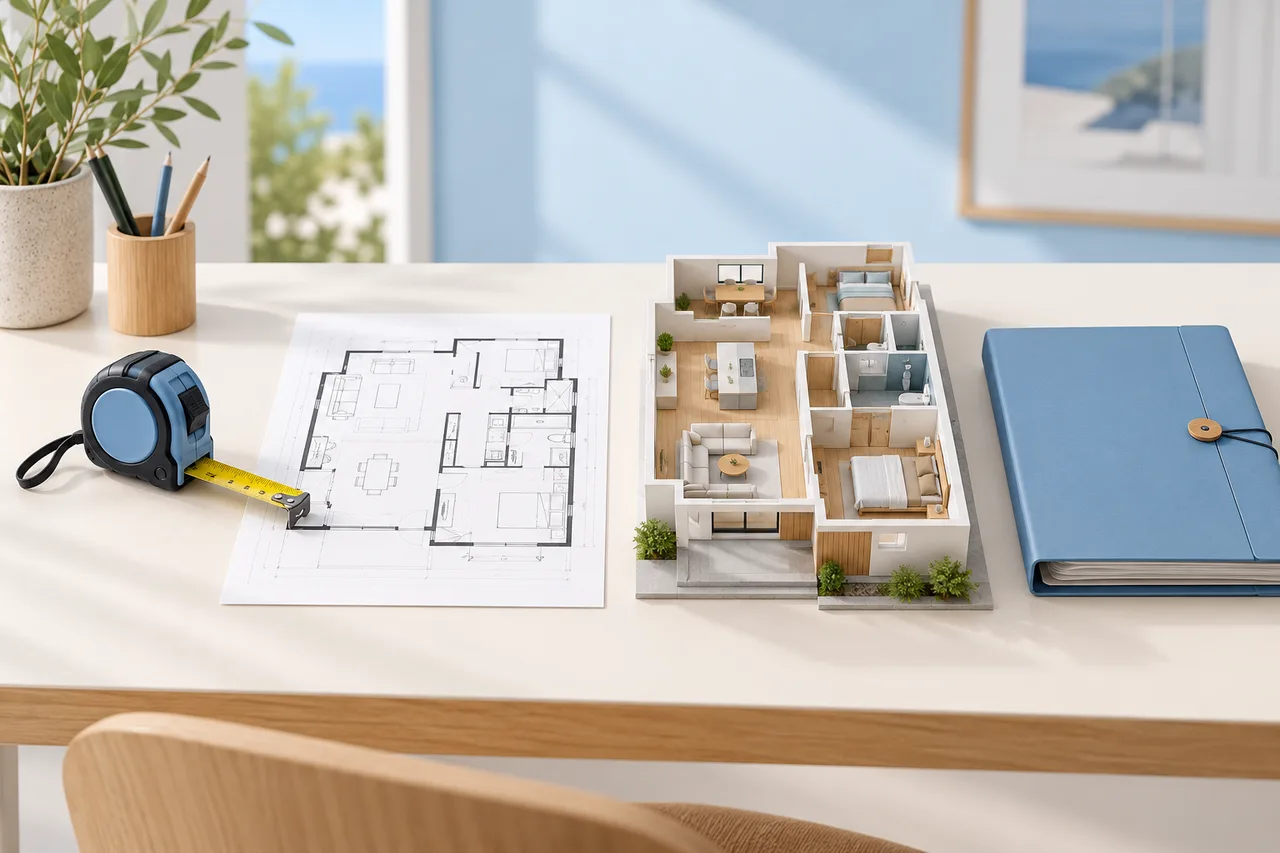
A good 3D site plan explains how a house sits within its surroundings. It shows the relationship between the front door and the street, the kitchen and outdoor dining, the garden and the space needed to maintain it. Its value comes from those relationships, rather than the number of trees in the rendering.
Start by deciding whether you are documenting an existing property or exploring a possible design. Those jobs need different evidence. A concept garden can begin with approximate shapes. A proposal involving boundaries, excavation, structures or drainage needs reliable site information and appropriate professional review before anyone builds from it.
This guide uses a fictional rectangular property to demonstrate the decisions. The dimensions are a planning exercise, not a surveyed site or an approved design.
What belongs in a house and garden model?
A useful model combines three layers: the site information you trust, the building information you know, and the ideas you want to compare. Keep those layers visibly separate.
The first layer might contain a measured outline, a north arrow, street access and a record of existing trees. The second contains the house footprint, entrance levels, windows and doors. The third contains proposed paving, planting beds, outdoor furniture and storage. A new patio should never become visually indistinguishable from an existing one merely because both use the same texture.
For a 3D house plan with garden, ask which view answers the main question. A top view is effective for checking routes and area. An oblique view helps discuss screening and the relationship between windows and planting. A photograph with notes may explain an awkward threshold more honestly than an elaborate model with an assumed level.
Establish a boundary reference before drawing
Do not trace a satellite image and treat the outline as proof of ownership. Images, fences, title documents and measured surveys answer different questions. Keep the source, date and uncertainty of each reference with your project.
An instructive jurisdiction-specific example comes from GOV.UK's property boundary guidance: in England and Wales, most title plans show general rather than exact boundaries. Other jurisdictions have different records and procedures. Check with the relevant local land authority and a qualified survey professional when the position matters.
Record the usable planning outline separately from the legal boundary. An easement, protected feature or locally required setback may reduce what can be changed even where the ownership line is clear. Do not invent these restrictions from a generic online example. Mark unresolved items as questions, with a named source to contact.
For measurements inside the house, use the same discipline described in our room measurement guide. A neat outline cannot repair an unreliable reference.
Work through one quantified site example
Imagine an 18 m by 24 m rectangular site: 432 m² in total. For this example only, place an 8 m by 10 m house footprint inside it, leaving 352 m² outside the footprint. That subtraction says nothing about the permitted building area; it simply checks that our diagram balances.
Give the outdoor concept these non-overlapping allocations:
| Concept zone | Allocated area | Main question |
|---|---|---|
| Entrance and front planting | 60 m² | Can visitors find the door? |
| Side routes and service access | 52 m² | Can equipment reach the rear? |
| Rear dining terrace | 30 m² | How does the kitchen connect? |
| Flexible lawn or open space | 120 m² | Is one usable area preserved? |
| Beds and screening planting | 65 m² | What needs privacy or shade? |
| Storage and utility space | 25 m² | Where do everyday objects go? |
The allocation totals 352 m². It is an area schedule, not a geometric layout: the actual shapes still need to fit around the house. A 30 m² terrace could be 5 m by 6 m, but its position may interrupt a service route. Draw the rectangles and routes before selecting finishes.
Draw the routes before the planting
Begin with the journeys that happen in ordinary life. Trace arrival from the street, taking groceries indoors, moving bins, carrying garden waste and reaching equipment for maintenance. Use different lines for visitors, household use and occasional servicing.
Imagine the terrace table occupied and the storage door open. Can someone still move through the side route? Is a hose dragged across the dining area? Does a bicycle have to pass through the living room to reach its parking space? Those are useful design questions even before precise construction details exist.
In the example, compare a terrace directly behind the kitchen with one farther into the garden. The first may simplify serving food. The second may preserve a quiet area beside the house. Neither is inherently better: list the household's priorities, then compare both using the same furniture sizes and route assumptions.
Keep levels visible, even in a simple model
A flat image can conceal the most expensive assumptions. Record the known level at the main door, any steps, visible slopes and changes between house, paving and garden. Label unknown heights rather than quietly placing everything on one plane.
For a hypothetical 0.6 m height difference across 12 m, the average geometric slope is 0.6 ÷ 12 = 0.05, or 5%. That calculation does not establish an accessible route, a drainage solution or a safe retaining arrangement. Local requirements, actual surface changes and the needs of users require a qualified assessment.
Use a section sketch when it explains the issue more clearly than a perspective view. Show the house threshold, garden surface and intended route on the same diagram. Never infer underground services, soil capacity or flood behavior from a floor plan.
Treat daylight and privacy as questions to investigate
Position a north arrow from a reliable reference, then record what you can observe: neighboring windows, tall walls, existing tree canopies and areas that feel exposed. This gives discussions a shared starting point.
Avoid claiming that a static model proves sunlight hours. Actual daylight depends on location, time, season and surrounding geometry. Plant growth changes the picture further. A rendered shadow chosen for an attractive composition is not a verified sunlight study.
For screening, compare views from the relevant positions rather than only from above. A dining seat, an upstairs window and a person standing on the terrace see different things. Use placeholder screening heights clearly labeled as assumptions. Check mature plant dimensions and site suitability with a relevant specialist before buying or planting.
Include outdoor objects at believable sizes
A garden appears generous when the furniture is too small. Give tables, chairs, storage, bins and play equipment dimensions from the actual objects being considered. Show chairs both tucked in and in use. Include door swings and opening lids where they affect circulation.
If your household already owns a 2.2 m by 0.9 m table, use that footprint for every alternative. Its top occupies 1.98 m², but the occupied dining zone needs additional space around it. The table area alone is not the terrace requirement.
The room layout planner can help explore simple furniture relationships indoors. Transfer the same habit of checking real object dimensions to the garden concept, while keeping outdoor construction and ground conditions as separate questions.
Choose a model workflow that matches the job
Start with a simple measured 2D arrangement. Use your preferred drawing or modeling tool to place the house outline and concept zones. Save a clean baseline before introducing alternatives so that every change can be understood.
The floor plan creator is useful for discussing building layout. The floor plan to 3D tool can produce an approximate wall preview from a suitable source plan. These building-focused workflows do not establish surveyed boundaries, model terrain, calculate sun exposure or provide a verified garden walkthrough.
For a site requiring accurate levels, terrain or coordinated building information, prepare the concept brief and choose software or a professional service equipped for those tasks. Ask about units, source references and editable deliverables before investing time in decorative detail.
Compare alternatives with one decision sheet
Make two or three versions that change a meaningful decision. Version A might keep a single open lawn; version B might divide the rear space into dining and planting rooms. Keep the house footprint and verified site information fixed so that the differences remain clear.
For each version, record four observations: the easiest daily journey, the most awkward maintenance task, the principal privacy concern and the feature that consumes the most flexible area. Add a question for anything the model cannot resolve.
This prevents a visually attractive option from winning merely because it has richer materials. Use the same camera, lighting and furniture in the comparison. If one view hides a narrow passage, include a second view rather than making the camera wider.
Check what the garden will demand later
Consider the maintenance route after the planting has grown. Can tools reach the beds without crossing furniture? Is there a practical place for potting, collecting leaves and storing a ladder? Show mature plant spread as an assumption to verify, rather than drawing every shrub at nursery size.
In the fictional schedule, moving 12 m² from lawn to planting reduces the open zone from 120 to 108 m². That may support privacy, but it also changes the space available for play or a temporary gathering. Record that tradeoff explicitly instead of describing every planted addition as an improvement.
Prepare a useful handover
Export a top view with dimensions, an oblique view for discussion and a short assumptions sheet. Show existing and proposed features with a clear legend. Include the reference dates and explain which distances are measured, copied from documents or approximate.
If the next step involves a professional, explain the decisions you want reviewed: levels at the terrace, boundary uncertainty, drainage, tree protection or an access route. A focused question is more useful than asking someone to approve a beautiful image as a whole.
Archive each version with a date and a short change note. Keep original survey or source files separate from traced drawings. Where you have permission to share them, provide the original references as well as the concept export; that makes discrepancies easier to investigate.
Before you commit to the layout
Return to the ordinary activities that started the project. Check the route from the kitchen to the table, from storage to the garden and from the entrance to the street. Ask whether the household can explain each important change without relying on the rendering.
Then review the unresolved evidence: boundaries, levels, local permissions, underground services and the suitability of proposed planting or structures. The drawing should make those questions easier to answer, not hide them under textures.
A useful site model earns its detail gradually. First the references become trustworthy, then the zones fit, then the routes work, and finally the materials help communicate the choice. That sequence produces a plan worth discussing with the people who will use, maintain and review the property.