Home Office Layout: Fit the Desk and the Working Space
A home office layout needs to support the way you work, not just the footprint of a desk. Think about equipment, storage, movement, calls, and the room's…
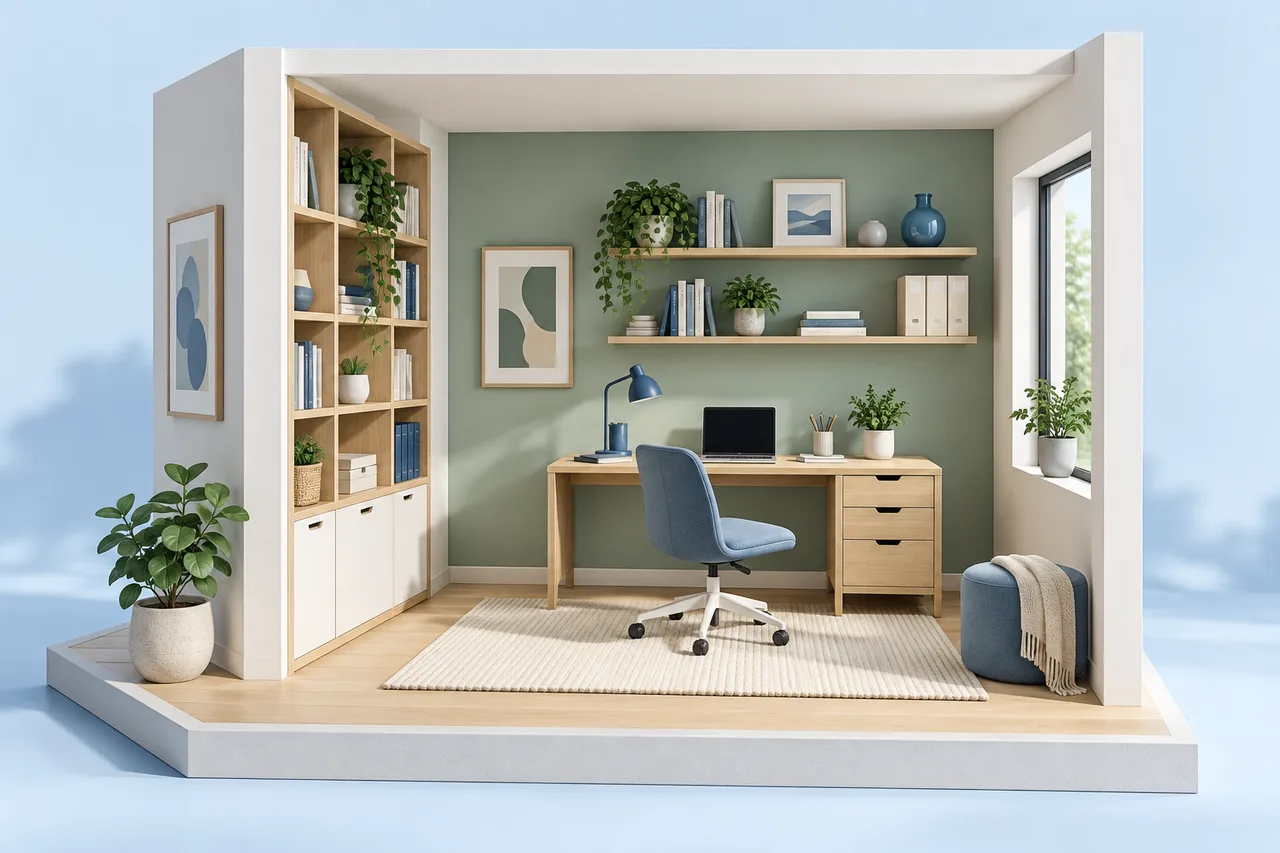
A home office layout needs to support the way you work, not just the footprint of a desk. Think about equipment, storage, movement, calls, and the room's other uses. A measured plan helps compare positions before cables and furniture make changes harder.
Start with the desk and chair you intend to use. Manufacturer dimensions and actual measurements are more useful than generic furniture symbols.
Locate fixed services and openings
Mark doors, windows, radiators, sockets, and fixed storage. Consider where cables would run and whether a route crosses the working area. A plan can reveal a positional conflict, but it does not assess electrical capacity or authorize alterations.
Keep window access and door operation in the review. A desk placed against a convenient wall may interfere with a window handle, curtain, or projecting fitting that is not visible in a simple top-down outline.
Represent the chair's working area
The desk footprint is not the whole workstation. A chair moves, and the user needs to enter and leave the position. Review that movement in the actual space rather than choosing a clearance based only on an appealing illustration.
In the room layout planner, place the desk using its width and depth. Add a separate footprint or note for the chair's working area when comparing alternatives. Rectangular overlap warnings do not provide an ergonomic assessment.
Compare the relationship with light
A plan identifies window positions but does not model changing daylight or screen reflections. Test promising desk positions in the room at the times you normally work. Consider whether the layout leaves room for appropriate task lighting.
Do not assume that facing a window is always the best choice. The equipment, room orientation, view, and type of work all affect the decision. Record those observations with the layout option.
Make storage support the workflow
Place frequently used items where they can be reached without repeatedly disrupting the workstation. Check the opening space of drawers and cupboards. A storage unit can fit beside a desk while its door collides with the chair or another object.
For a shared-use room, compare the arrangement during work and after work. Include the equipment and storage that remain visible rather than evaluating an unrealistically empty version.
Save a practical comparison
Keep two options with the same furniture dimensions. Compare cable routes, access, light, storage operation, and the room's secondary use. If one option requires building or electrical changes, list that separately from the furniture decision.
Use a PNG or SVG to discuss the options and retain the editable project. The most useful outcome may be a short list of measurements or equipment choices to verify before making the final arrangement.