Choose a 2D and 3D Room Planner: Free Tools, Models and Exports
Compare room planners by the work you need to do: accurate drawing, furniture layout, 3D views and usable exports. Includes a repeatable room test.
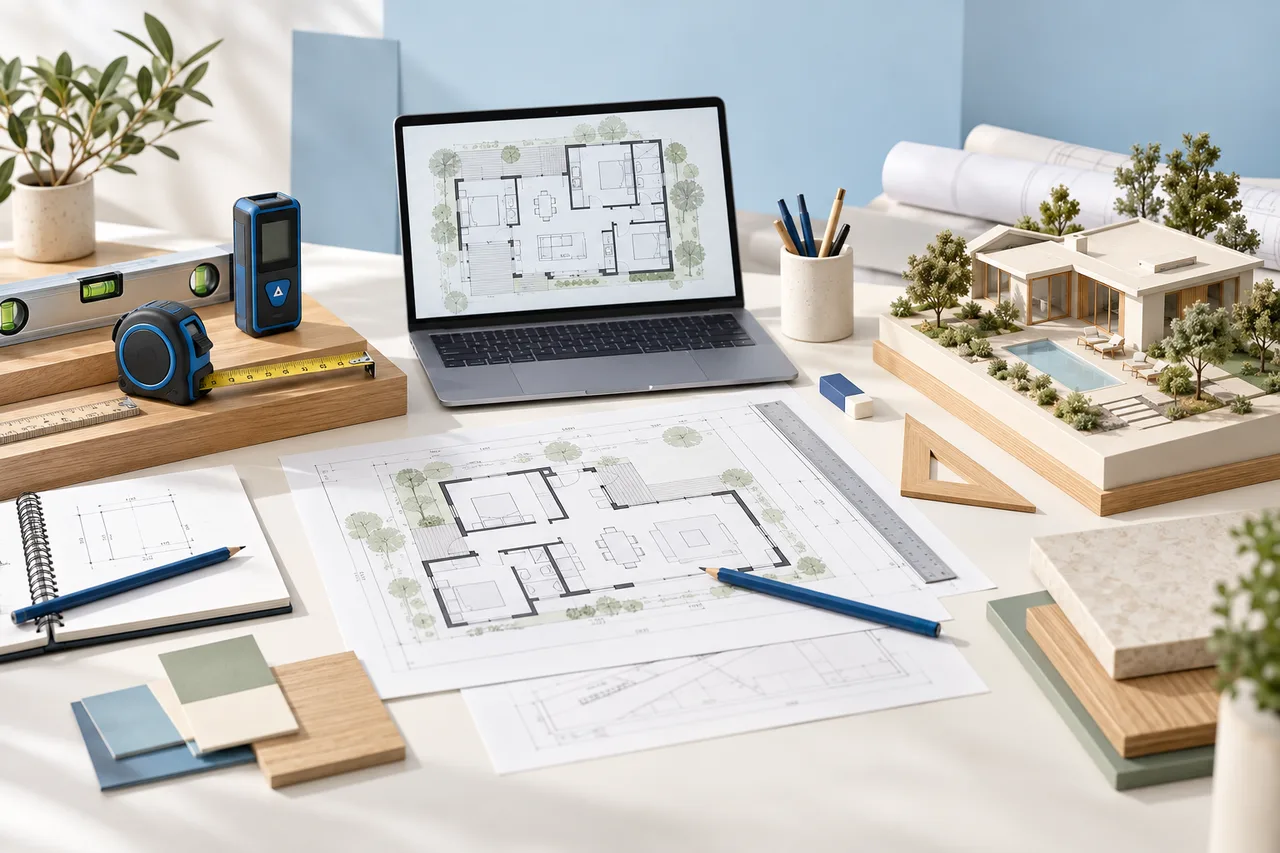
The best room planner for your project is the one that lets you make the next important decision and keep the result in a usable form. A large furniture library is attractive, but it does not help if you cannot enter the room's actual dimensions. A realistic image is useful for discussing finishes, yet it may not contain geometry another application can edit.
Instead of choosing a tool from a collection of glamorous examples, start with a small room you understand. Reproduce its dimensions, test one alternative arrangement and inspect the export. This guide provides a repeatable comparison exercise for 2D and 3D floor planners, including the questions to ask about free accounts and products described as Pro. It is a selection framework, not a claim that every application has been tested here.
Separate drawing, furnishing and visualization
Drawing establishes boundaries, openings and dimensions. Furnishing tests the relationship between those boundaries and movable objects. Visualization communicates the result through a model view or rendered image. Some products combine all three, while others specialize in one stage.
List which of these jobs you need immediately. If the question is whether two desks fit in a spare bedroom, an accurate top view with simple rectangles may be enough. If you need to explain the relationship between a tall cupboard and a sloped ceiling, three-dimensional geometry becomes more useful. If you are comparing wall colors, the appearance tools deserve closer attention.
Read product names carefully
Searches such as “room planner design home 3d pro” can refer to different apps, editions and store listings. Pro is part of some product names and a subscription level in others. Confirm the publisher, platform and edition before comparing features. Similar names do not establish that two downloads share a project format.
RoomSketcher is a specific brand, while a “3D room sketcher” can also mean any tool that sketches rooms. The same distinction applies to Floorplanner, the product, and a floor planner described generically. Open the publisher's official website rather than assuming that the first similar-looking app-store result is the software a tutorial uses.
What the official product pages establish
Floorplanner's official Basic page describes a free starting account with a drawing editor and 2D and 3D image outputs. Its account and project levels affect output options. Check the current account screen before relying on any project allowance or export entitlement; those details are not fixed guarantees in this guide.
Homestyler's official site presents drawing, furniture placement and cloud rendering as parts of its design workflow. That makes it relevant when a search for a free Homestyler floor plan is really a request to explore a decorated interior. Confirm which operations, assets and export quality your particular account includes.
RoomSketcher's official site presents floor plan creation and visualization as its focus. Evaluate its current plan information against your actual deliverables. These are independent products; their documentation and account terms, rather than a generic comparison label, determine the features you receive.
Write a one-room test brief
Use an invented rectangular room with clear internal dimensions of 4.2 m by 3.6 m. Its floor area is 15.12 m². Place one door on a short wall and one window opposite. The exact opening positions can be chosen for the exercise, but write them down so every tool receives the same information.
The room needs a 1.6 m by 2 m bed, a 1.2 m by 0.6 m desk and a 1.8 m by 0.6 m wardrobe. These are example furniture footprints, not standard sizes to apply to every home. Add a chair with enough space to move and mark the wardrobe doors' operating zone. You now have a meaningful task instead of an empty room to decorate.
Test dimension entry before anything decorative
Draw the room and inspect how its dimensions are defined. Does a stated wall length refer to an inside face, a centerline or an outside face? A 4.2 m external wall does not create 4.2 m of clear internal space once wall thickness is included. This small ambiguity can affect every furniture decision.
Change one wall from 4.2 m to 4.4 m and observe what moves. Then undo the change. Can you recover the original size without rebuilding the room? Check whether the window and door remain attached to their intended walls. A convenient drawing interface should make revisions understandable rather than leaving you unsure which dimensions changed.
Try an ordinary room arrangement
Put the bed against one long wall and the wardrobe on the opposite side. If the bed projects 2 m across a 3.6 m room and the wardrobe projects 0.6 m, 1 m remains between their footprints. That is only arithmetic space; open drawers, wardrobe doors, bedding and people still need consideration.
Now place the desk near the window and pull its chair out. Trace a route from the entrance to the bed without crossing the furniture's operating zones. This exercise reveals more about a room planning tool than a catalogue preview. The room layout planner offers a simple place to explore this kind of manually arranged concept.
Check the furniture library against reality
A library object may have a lovely style but the wrong size. Look for dimension controls and see whether changing width also changes height or depth. An object scaled uniformly may cease to resemble the real item you own. Record actual product dimensions separately when a catalogue model is only an approximation.
Use plain blocks when the important question is fit. There is little value in finding the perfect fabric if the sofa is 30 cm too short in the model. For a storage unit, include handle projections and the space occupied when a drawer is open. For a desk, include the chair position used during work, not only the position when it is tucked away.
Inspect both top and perspective views
A floor planner with 2D and 3D views should help you see two different aspects of the same arrangement. Use the top view for dimensions and routes. Use the perspective view to judge enclosure, relative height and sightlines. Keep switching back when one view raises a question the other can answer.
Do not mistake a wide camera view for comfortable space. A room may look generous because the image includes more of the scene than a person normally sees at once. Compare the displayed furniture dimensions with your brief. A convincing 3D room design drawing should survive a basic measurement check as well as an attractive camera angle.
Define what free must include
A free 3D room drawing can mean free editing, a free preview, a limited image export or a trial of paid features. Those are different offers. Before spending an evening furnishing a home, confirm that the output you need can be saved with your current account and used for your intended purpose.
Check resolution, watermarks, project storage, sharing controls and commercial usage terms. If the project is for a client, verify that the asset licenses cover that use. Avoid treating an exported preview as a complete editable project. Also ask whether an account downgrade changes access to old projects or only restricts new work.
Choose the output before choosing the subscription
For a household conversation, a readable image may be sufficient. For continued editing, you need a native project or a supported geometry format. For measured communication, dimension labels must remain legible at the size the recipient will view. These are separate requirements and may belong to different account tiers.
Make a sample export early. Open it outside the design application and zoom to the level your recipient will use. Look for clipped labels, missing textures, substituted fonts or unexpected watermarks. If an editable format is advertised, confirm the destination application can import the exact format and version. A list of supported file extensions is only the beginning of that check.
Understand what conversion tools do differently
A room planner usually expects you to draw and arrange a design. An image conversion tool begins with an existing plan and tries to derive geometry from it. Neither approach removes the need for review, but they suit different starting points.
The floor plan to 3D converter on this site extracts wall regions from a supplied drawing into a model preview. It does not provide the same furnished rendering workflow as an interior visualization service. Use it when the wall layout already exists and a geometric starting point is helpful. Use a manual floor plan creator when the layout itself is still being decided.
Check your device and working conditions
Test the planner on the device you will actually use. An interface that works well with a mouse may be awkward on a small touch screen. Ask whether precision entry remains available when the on-screen keyboard appears. Confirm that you can reopen the saved project after closing the browser or application.
A complex 3D scene can also behave differently on an older computer. Begin with a simple model before adding large numbers of decorative objects. If a preview fails, keep an editable copy and the 2D plan so the design work is not dependent on one rendering session. Check the vendor's supported browser or device documentation when a technical requirement is unclear.
Protect the information in a floor plan
House drawings can reveal addresses, room uses and access arrangements. Remove unnecessary identifying details before uploading a test. Read the service's sharing settings and understand whether a project link is public, private or accessible to anyone who receives the link. Avoid uploading other people's plans without permission.
For a contractor or client review, send only the information needed for that decision. A furniture layout rarely needs alarm positions or unrelated personal details. Store your original measured reference separately from a simplified presentation copy. That separation also makes it easier to correct dimensions without accidentally circulating an outdated drawing.
Record a decision you can explain
After the one-room exercise, compare results under five headings: dimension control, revision effort, furniture accuracy, export usefulness and ongoing access. Write observations rather than invented ratings. “Can change one wall without disturbing the window” tells you more than “easy to use.”
Choose the planner that satisfies the essential requirements, even if another product produces a more dramatic demonstration image. If your real task involves capturing an existing building, arranging several levels or working with older project files, read the house planning and capture workflow guide. Those decisions involve different evidence from choosing a tool for one bedroom.